Appearance
Inventory
Administration
(Visible only to roles with Users/Roles/Settings permissions — typically Admin.)
Users
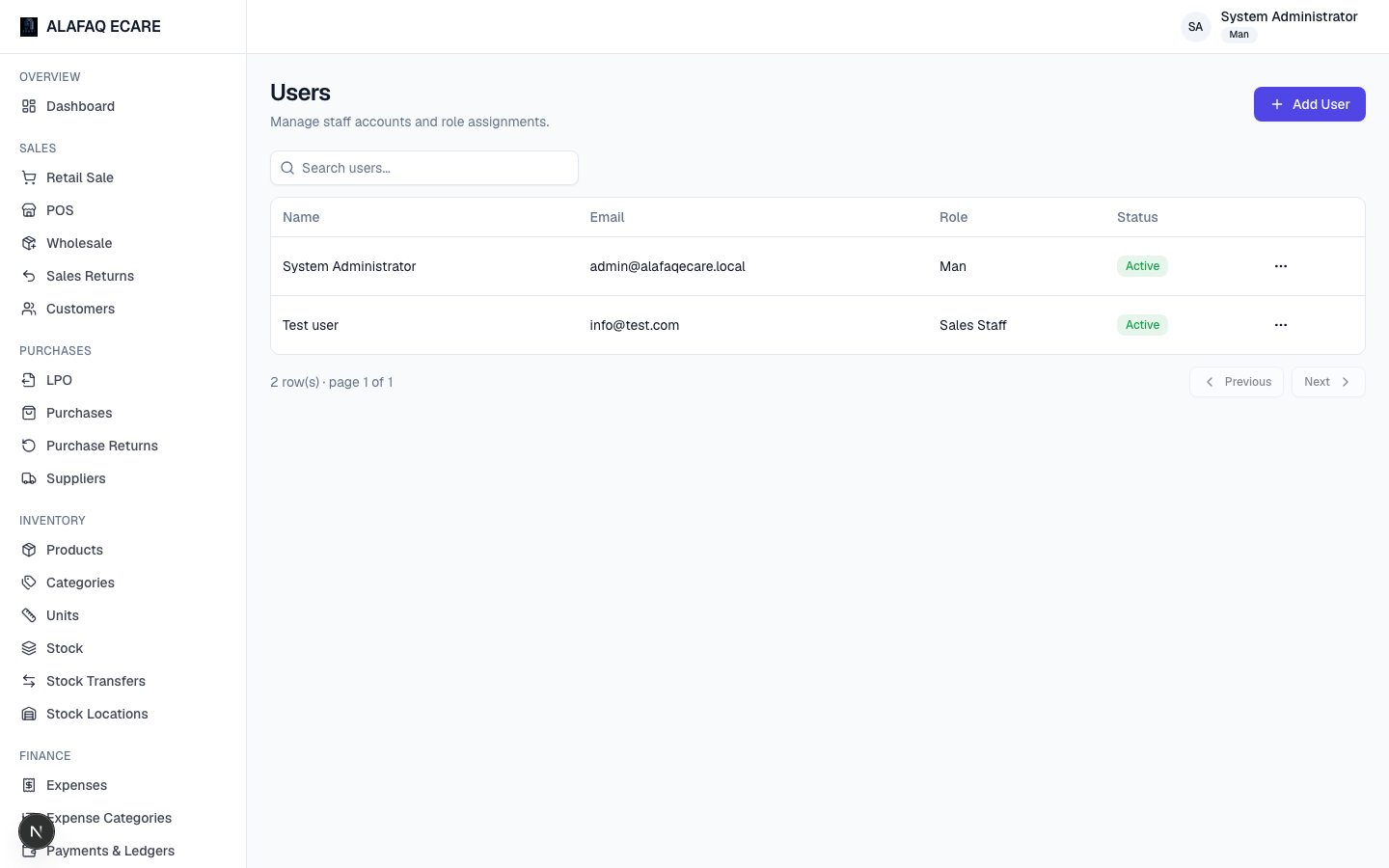
Create and manage user accounts — name, email, password, assigned Role, and active status. Deactivating a user blocks their sign-in without deleting their historical records.
Roles & Permissions
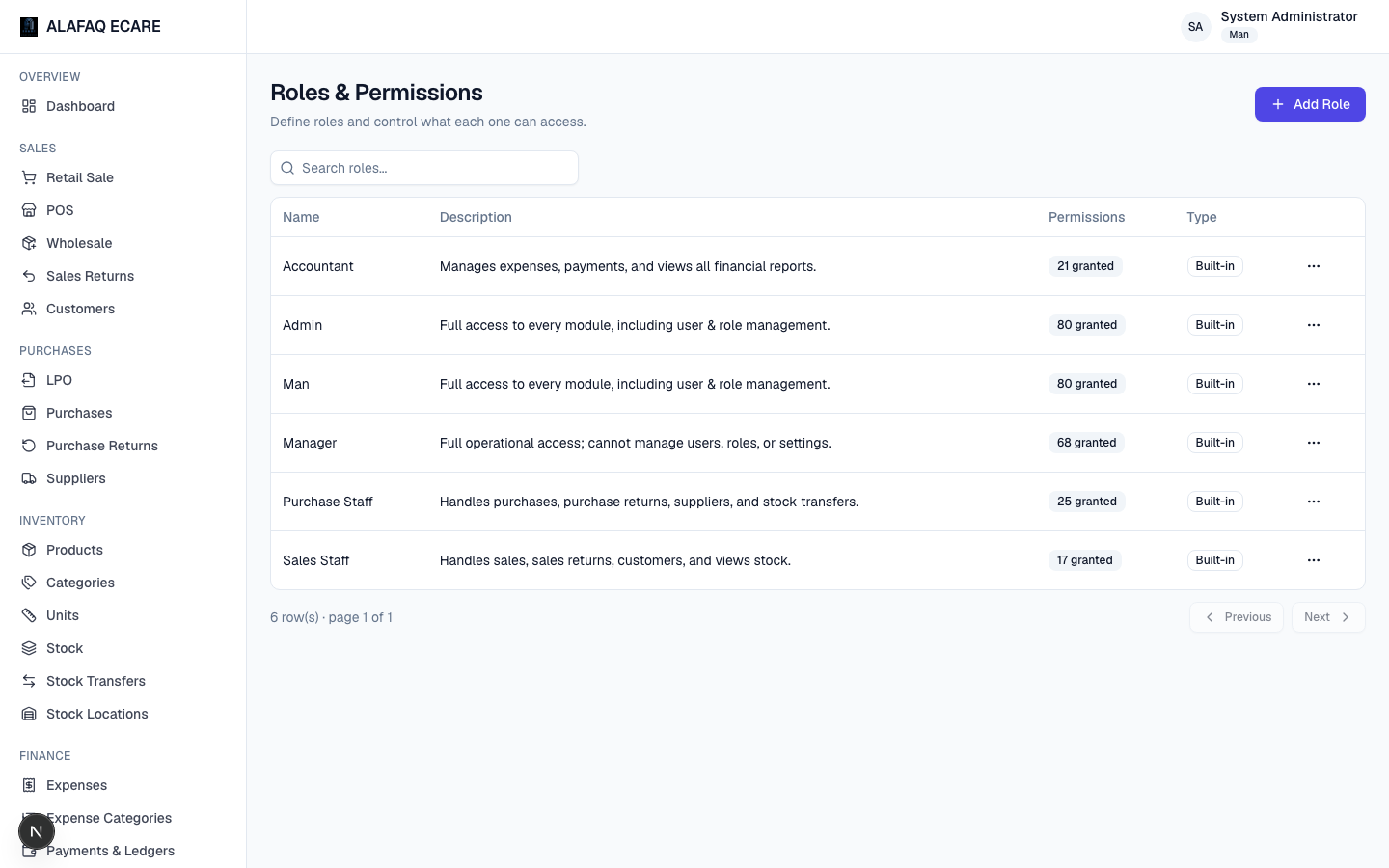
Create custom roles beyond the five starter roles, and fine-tune exactly which modules each role can View, Create, Edit, or Delete. Changes here only take effect for a user the next time they sign in.
Settings
Settings is a tabbed page:
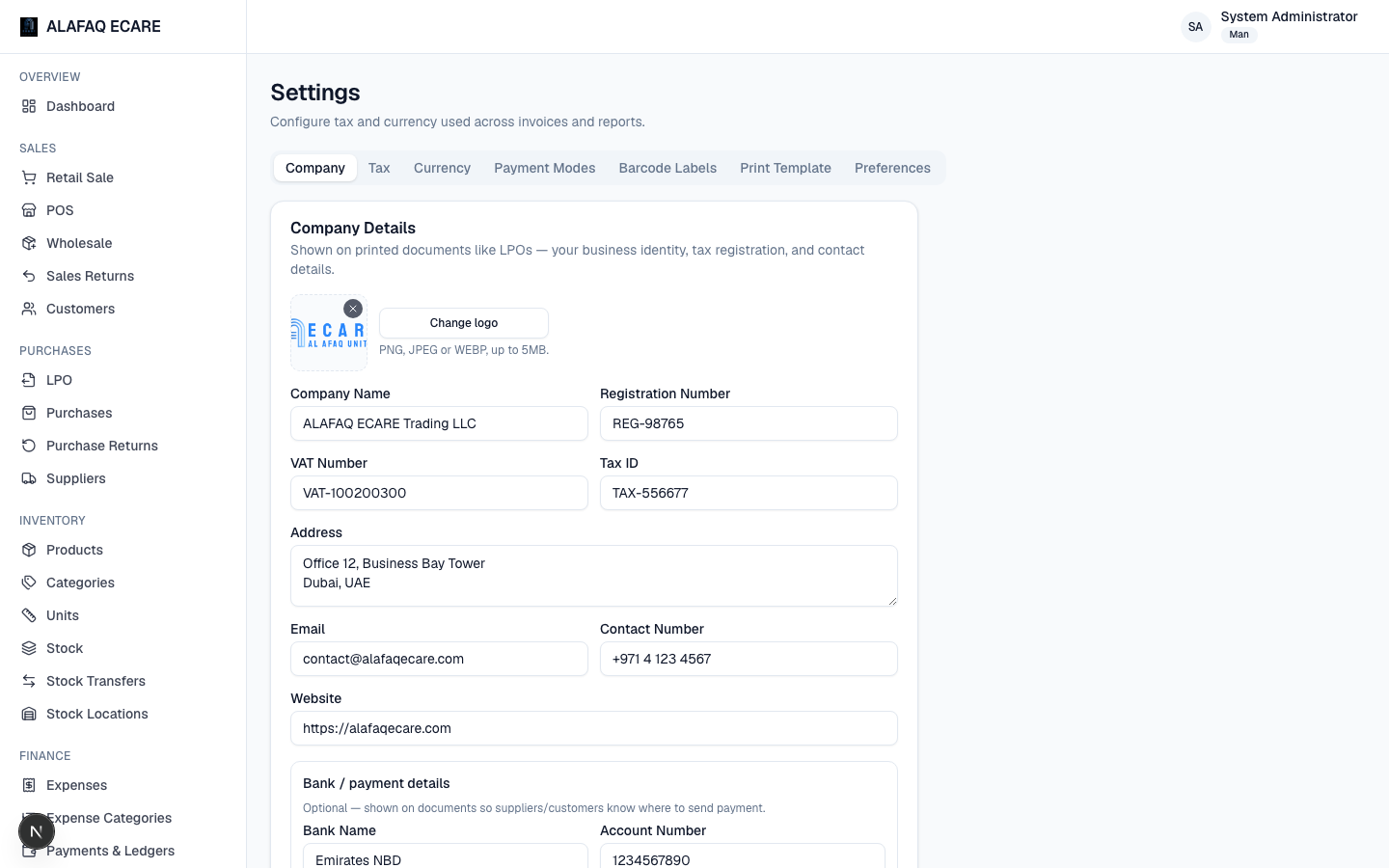
- Company — your company's name, logo, registration number, VAT/Tax ID, address, contact details, and bank details. This information appears on the LPO letterhead and other company-branded documents.
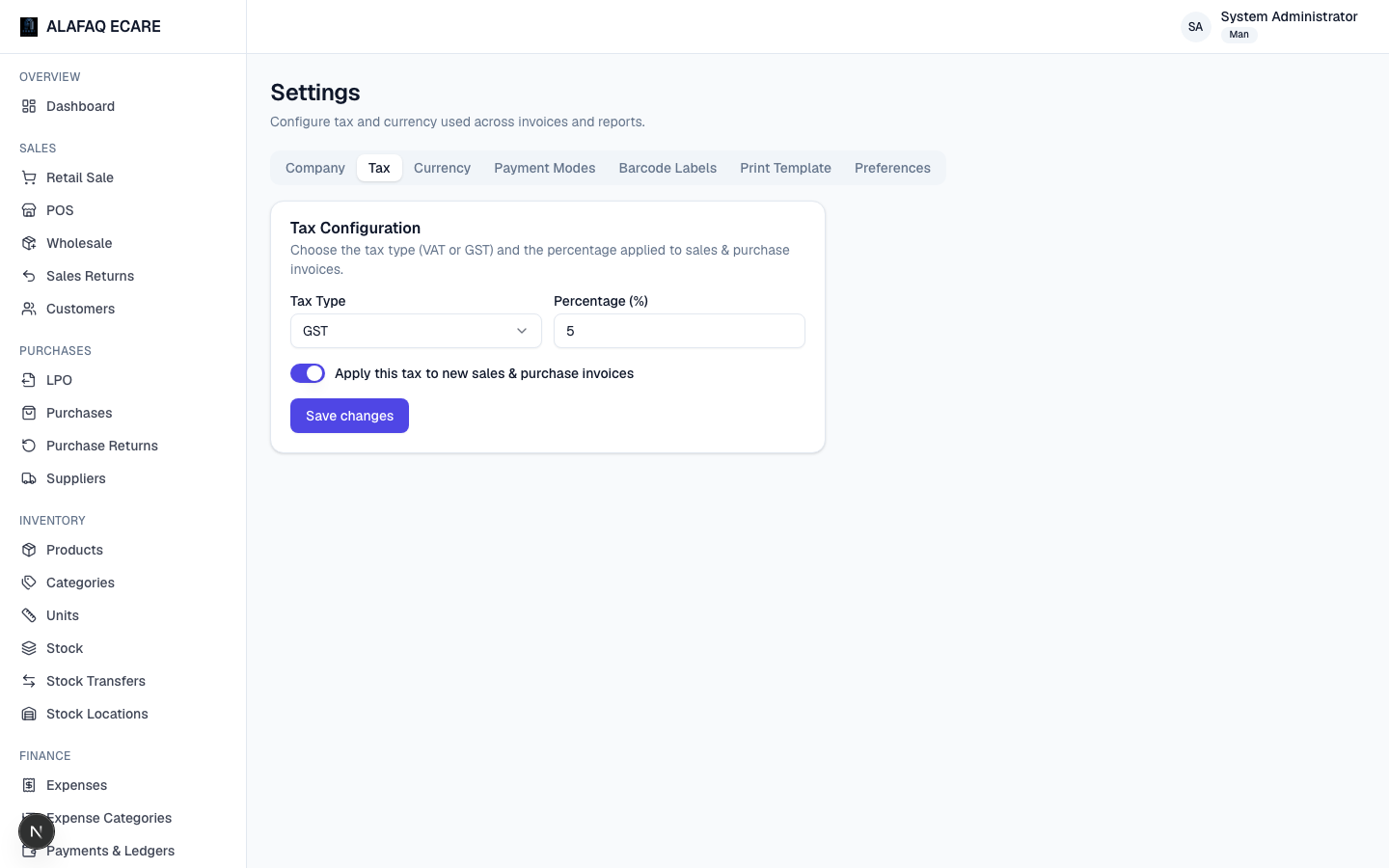
- Tax — the tax label (e.g. "VAT" or "GST") and percentage applied to sales/purchase invoices. The rate used on an invoice is locked in at the time it's created, so changing this later doesn't alter historical invoices.
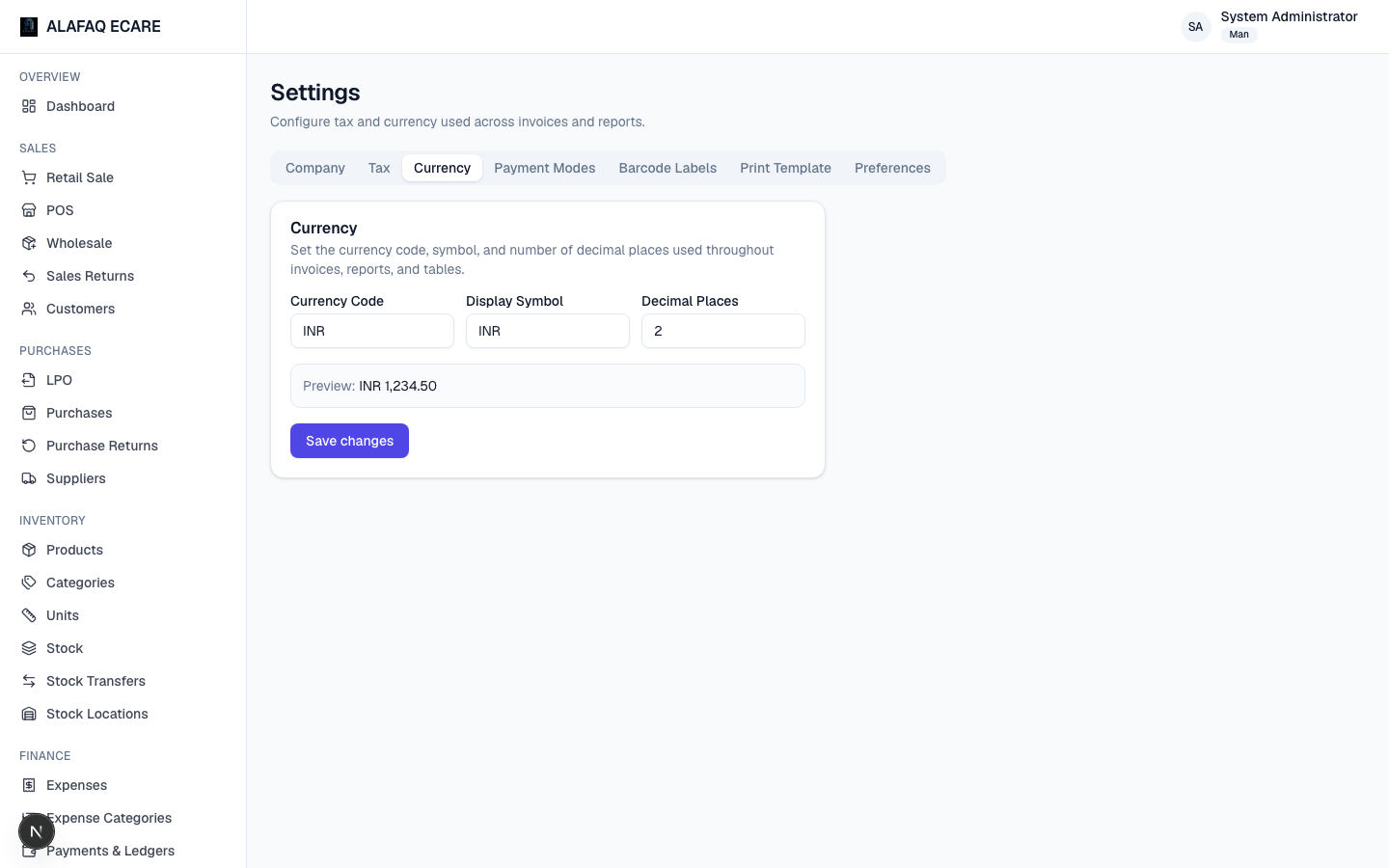
- Currency — the currency code, symbol, and number of decimal places used throughout the app.
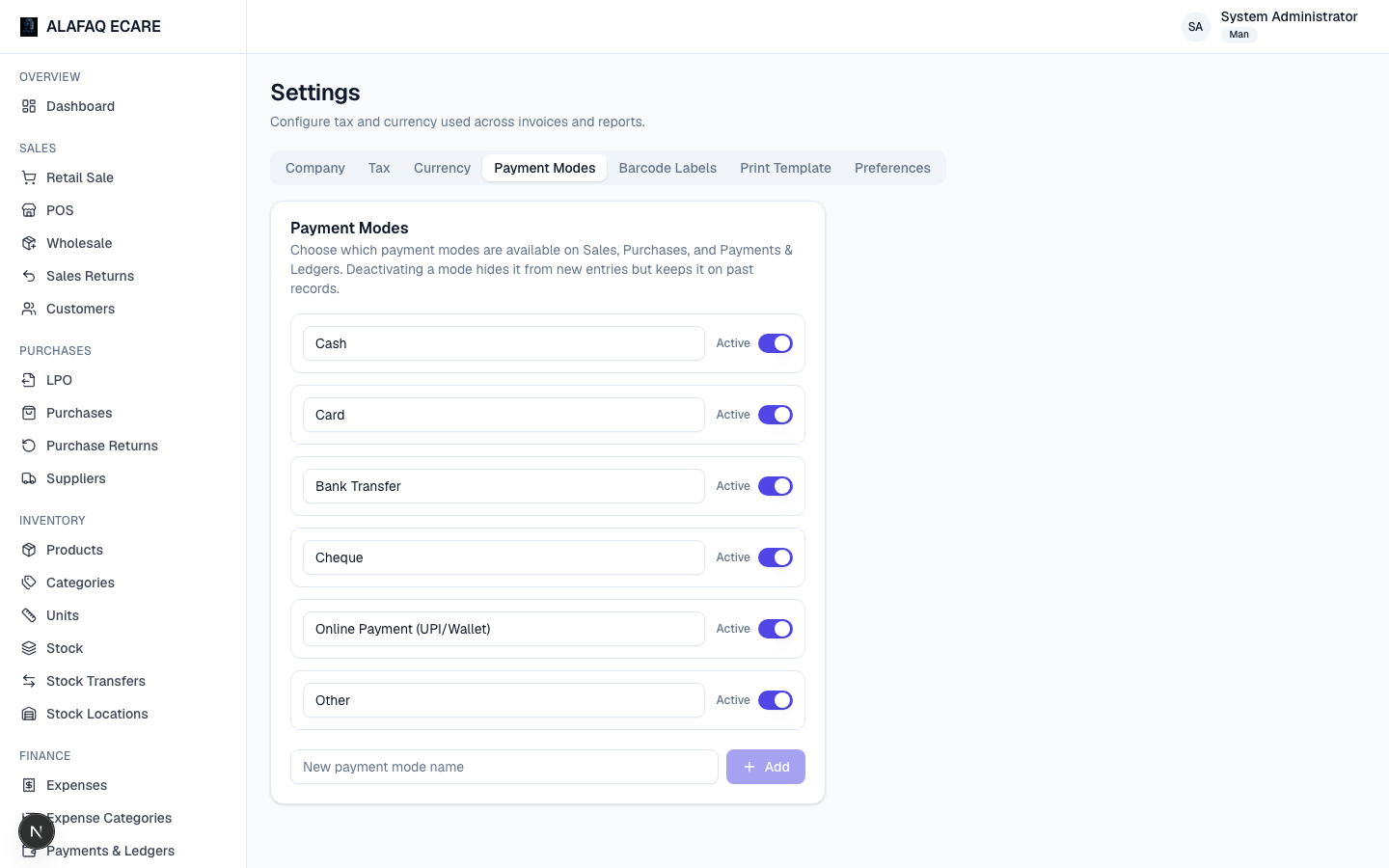
- Payment Modes — the list of payment methods available when recording sales, purchases, and payments (e.g. Cash, Card, Bank Transfer) — add, rename, or deactivate as needed.
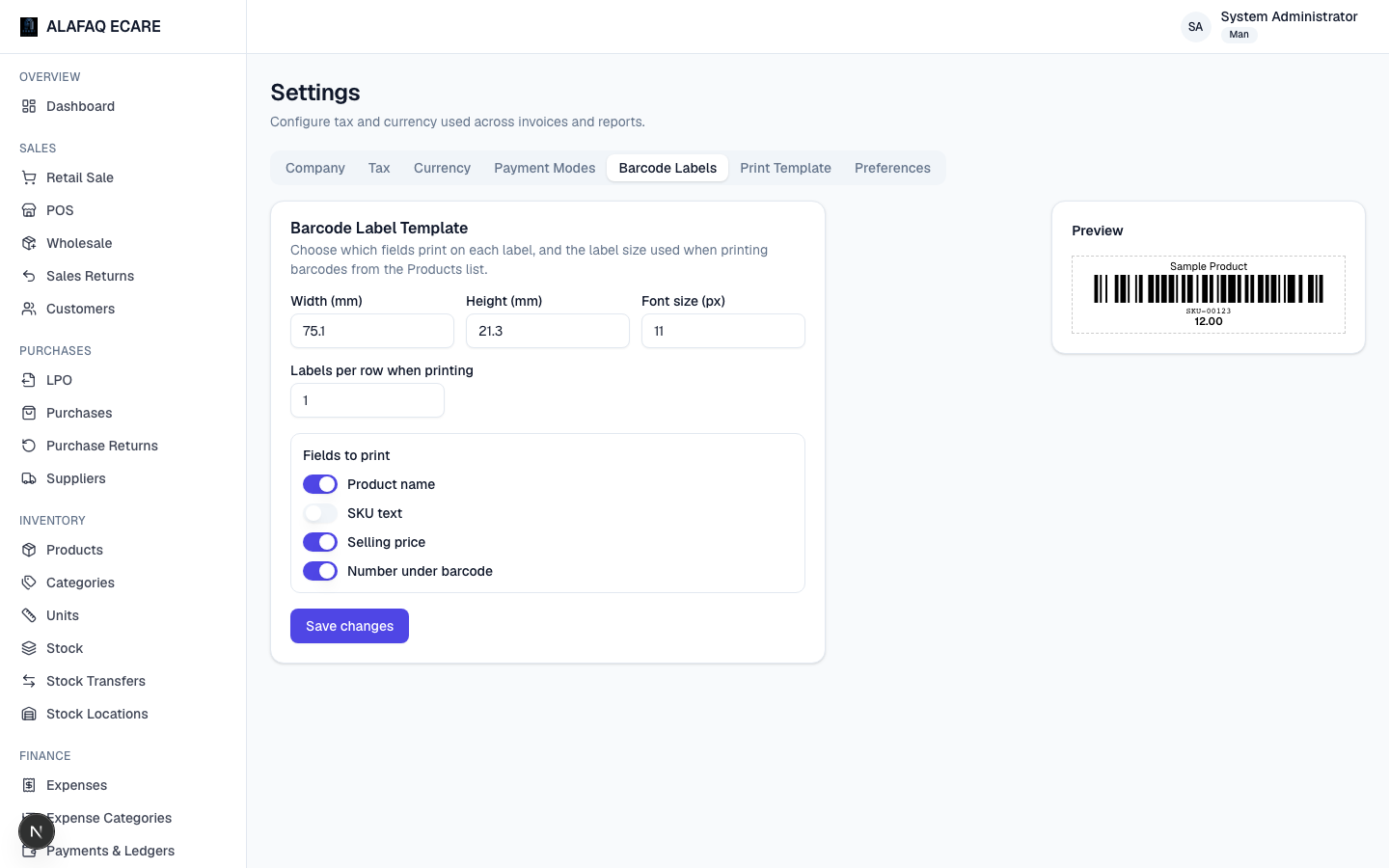
- Barcode Labels — label width/height, font size, labels-per-row when printing, and which fields (product name, SKU, price, barcode number) appear on each label.
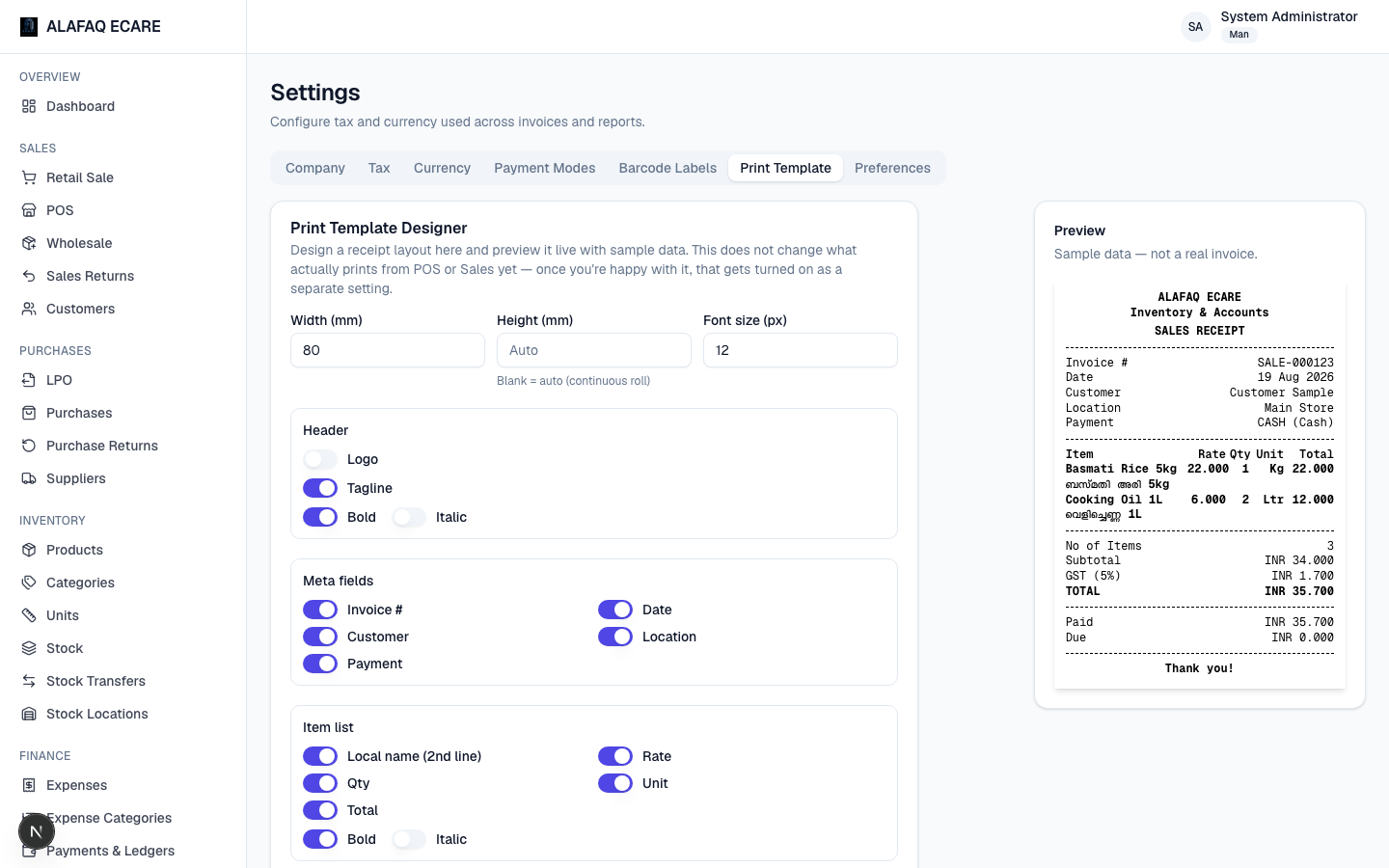
- Print Template — the Print Template Designer described in Printing & Documents (preview-only for now).
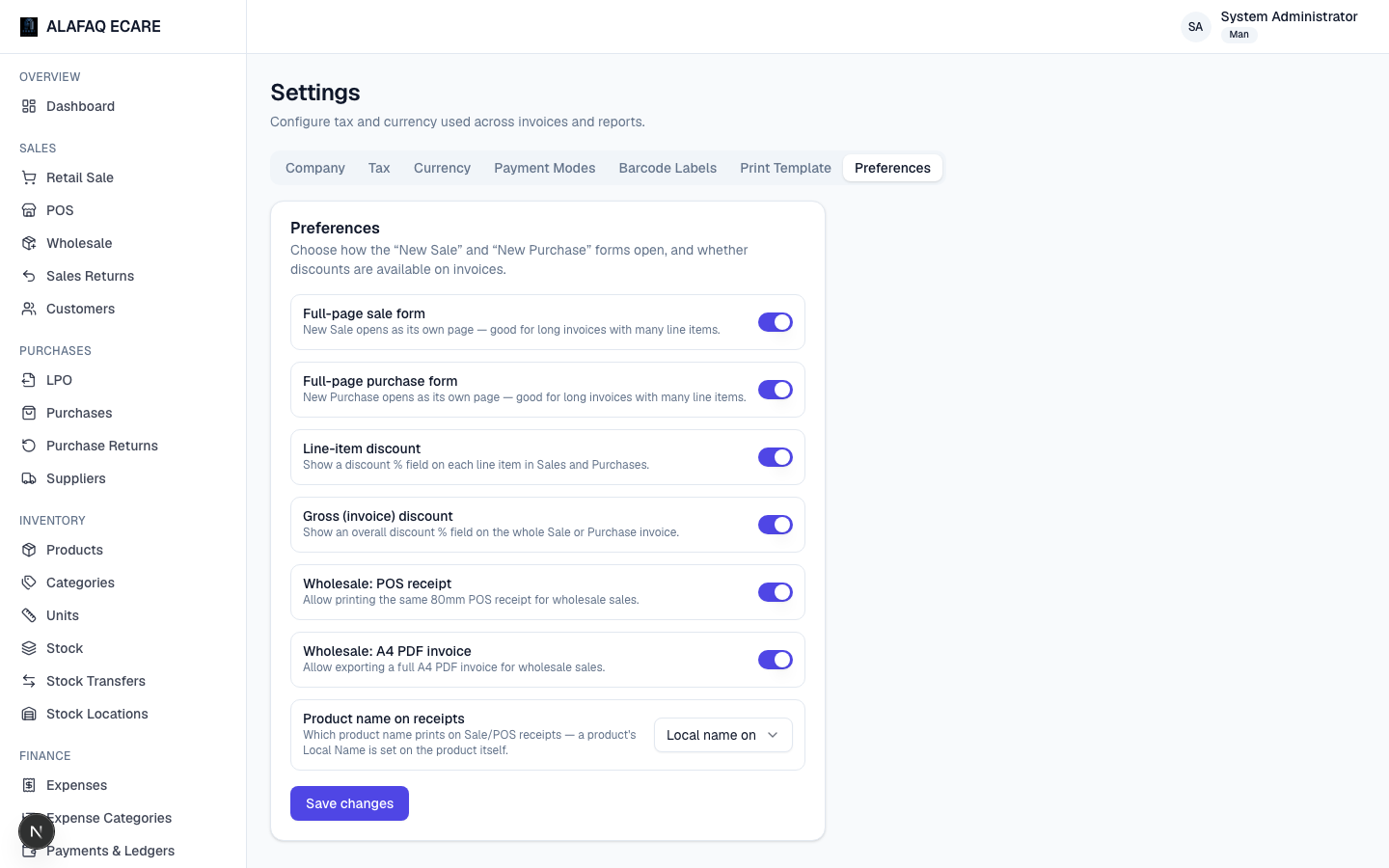
- Preferences — miscellaneous behavior settings:
- Full-page vs. popup forms for New Sale / New Purchase.
- Line-item and/or invoice-level discount fields on/off.
- Wholesale POS receipt / A4 PDF invoice on/off.
- Product name on receipts — whether printed receipts show each item's English Name, its Local Name, or Both.