
Appearance
Inventory
Printing & Documents
The app produces several kinds of printed/exported documents:
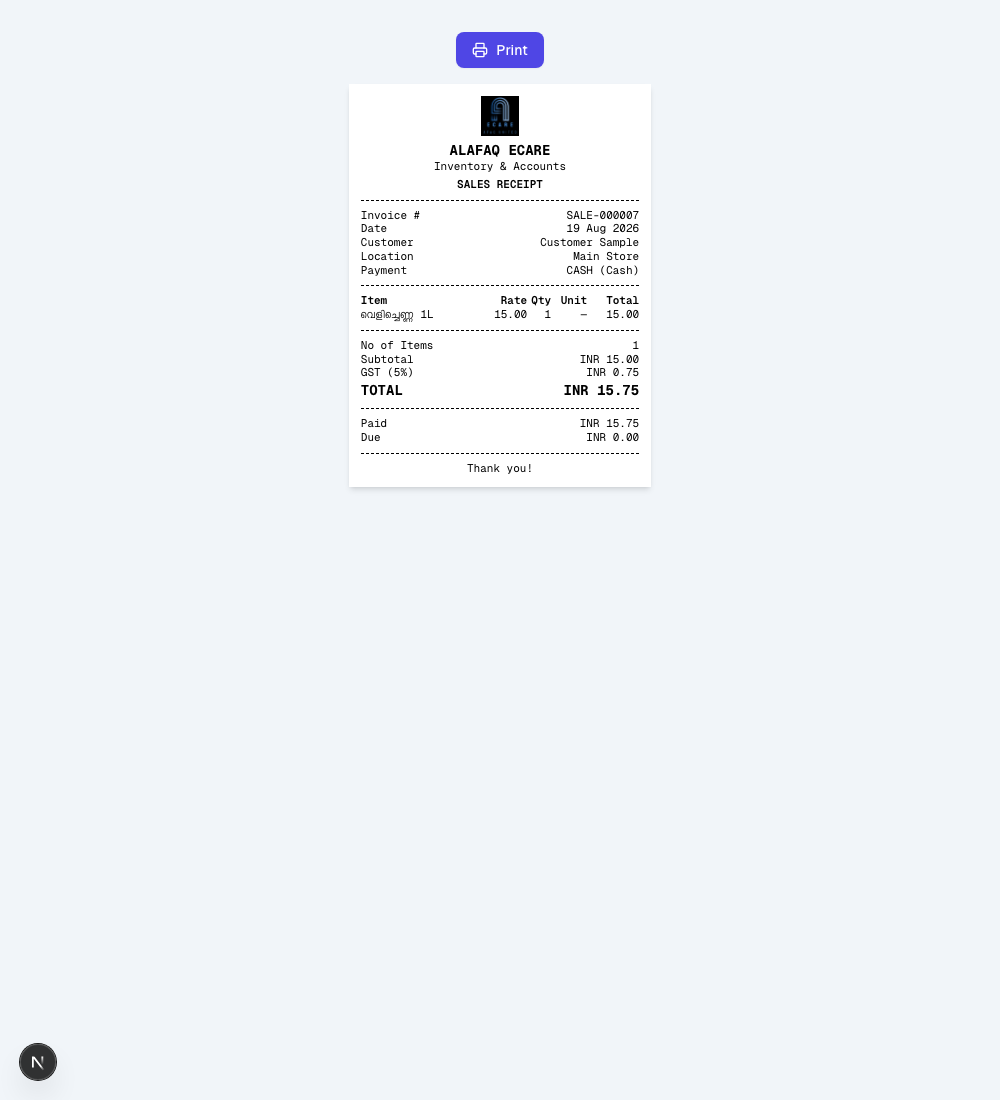
- Sale / Sales Return receipts — an 80mm POS-style receipt (Invoice #, date, customer, items with rate/qty/unit/total, subtotal, tax, total, paid/due, and a "No of Items" count). Available from the row menu on Sales and Sales Returns as Print Receipt, and automatically after a POS checkout. Whether the printed item name shows the English name, the Local Name, or both is controlled by the Product name on receipts setting (see Preferences).
- Wholesale invoices — the same receipt format, or a full A4 PDF invoice, depending on your Preferences.
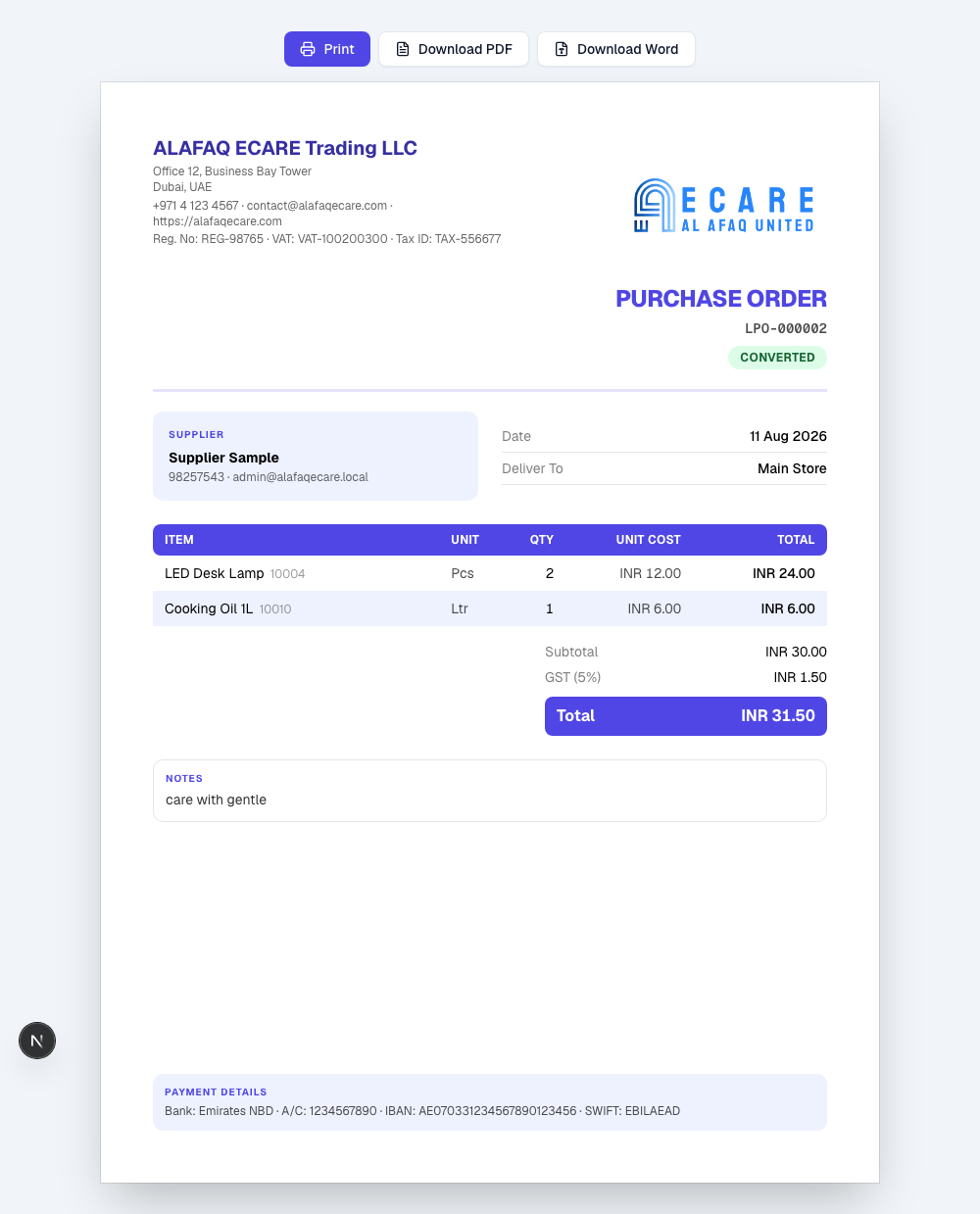
- LPO documents — a professional A4 letterhead (with your company logo, address, and registration/VAT/tax numbers) available as an on-screen print, a Download PDF, or a Download Word document — all three match the on-screen design exactly.
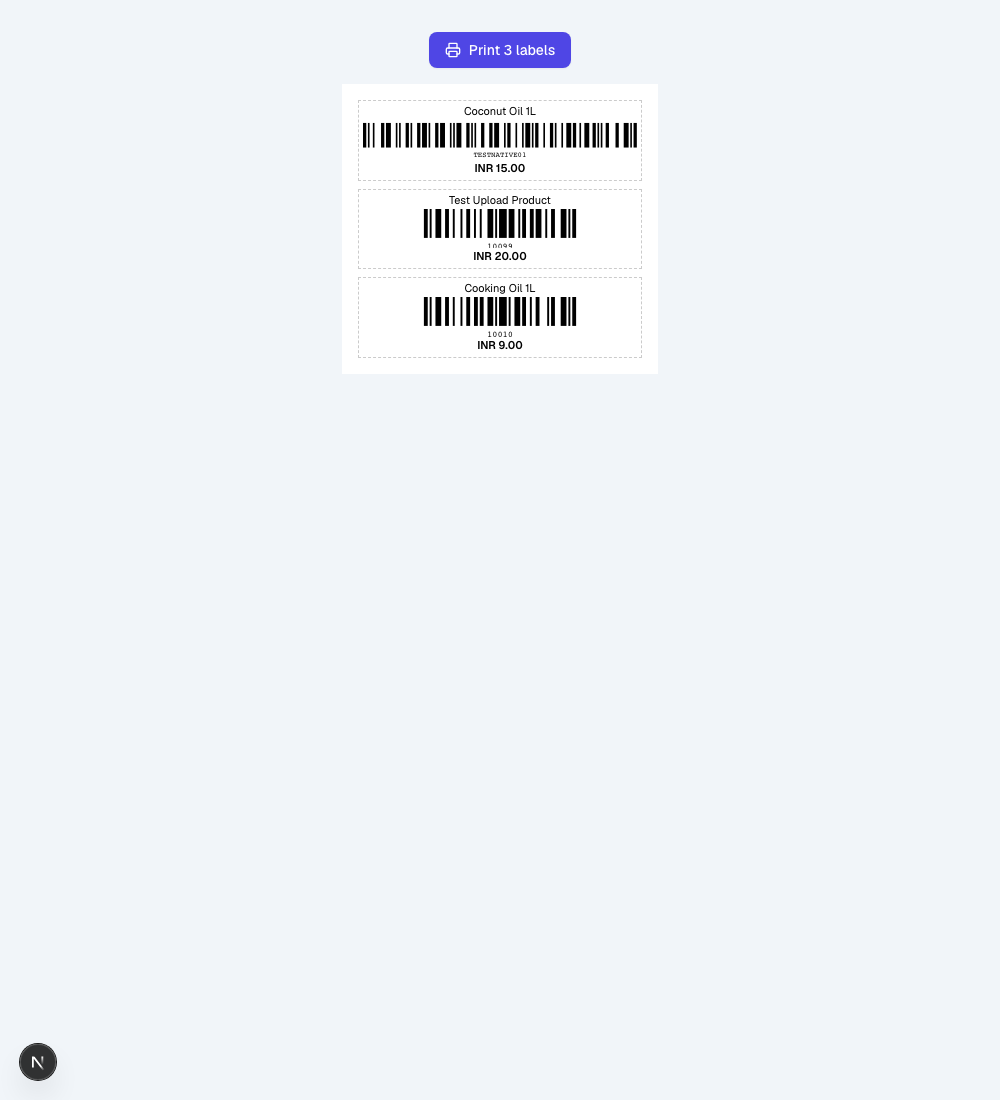
- Barcode labels — printable labels for one or many products at once, selected from the Products list. Label size, font size, and which fields print (product name, SKU, price, barcode number) are configured in Settings → Barcode Labels.
A Print Template Designer is also available under Settings → Print Template, where you can design and preview an alternate receipt layout (page size, which header/item/footer fields appear, font size, bold/italic) using sample data. As of this writing, the designed template is preview-only — it does not yet change what actually prints from POS or Sales; that will be turned on later as a separate setting once a design is finalized.