
Appearance
Restaurant
Finance
Expenses
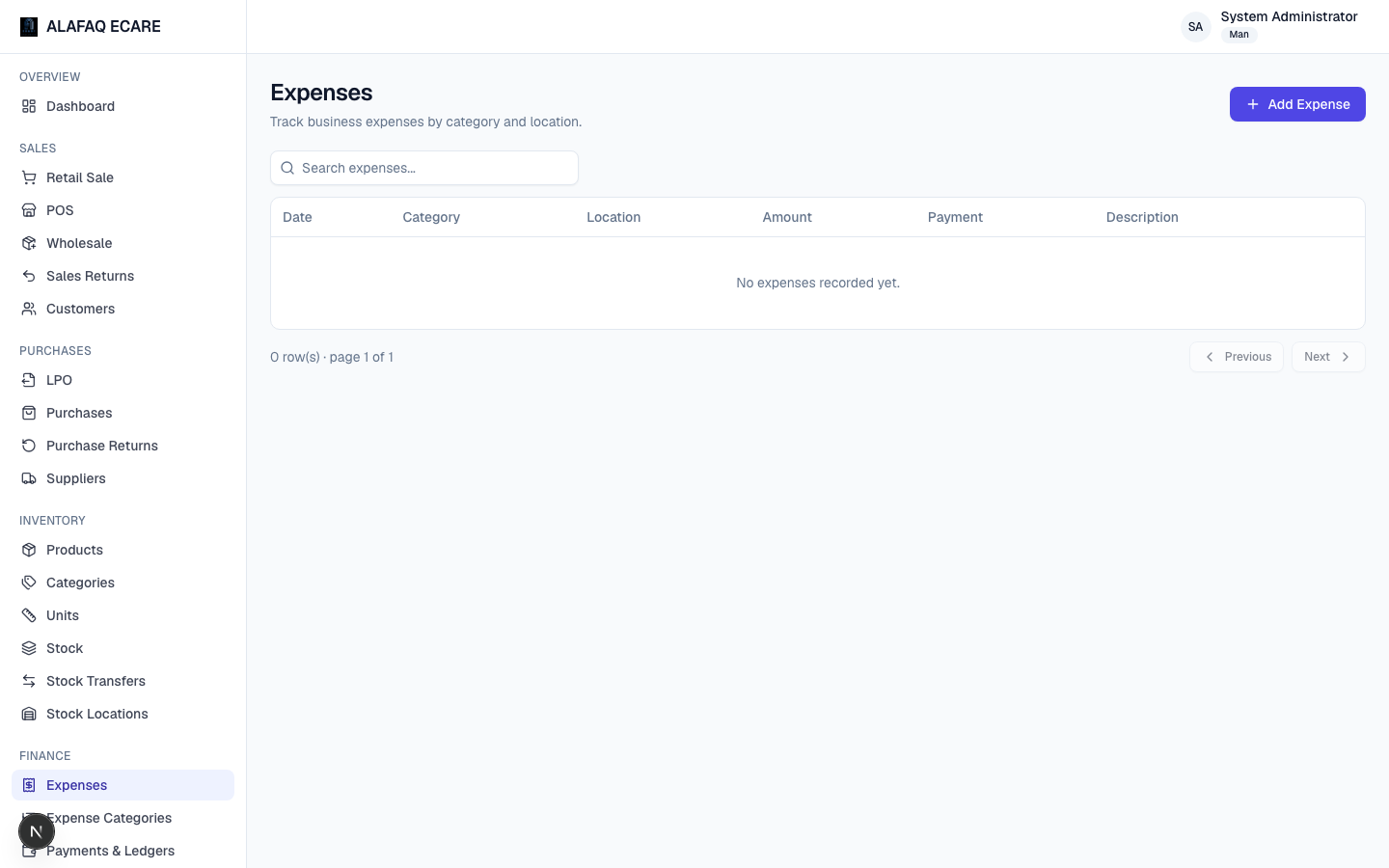
Record business expenses — date, category, location, amount, payment type, and a description. These feed into the Profit & Loss report.
Expense Categories
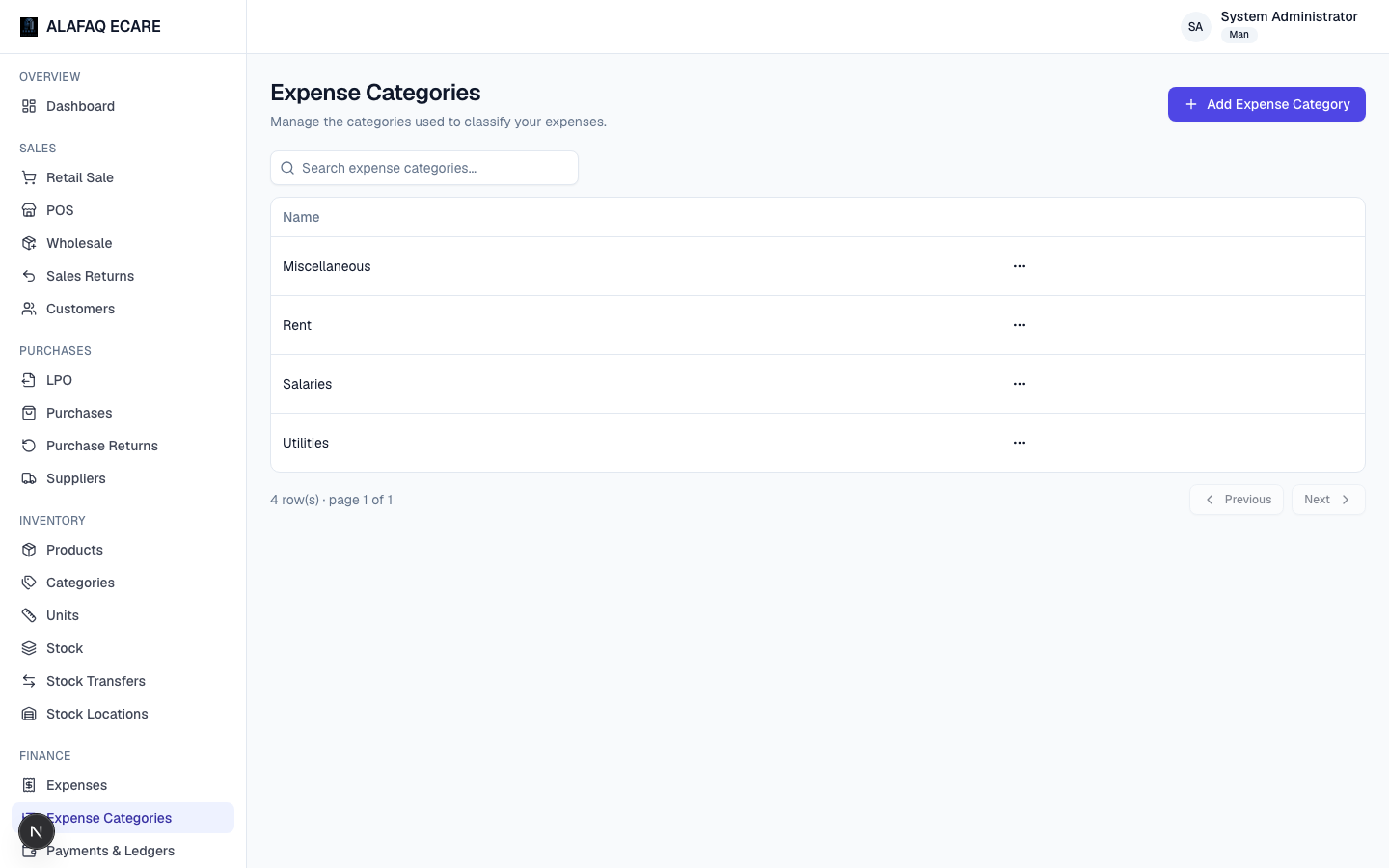
A simple named grouping for expenses (e.g. "Rent," "Utilities," "Salaries").
Payments & Ledgers
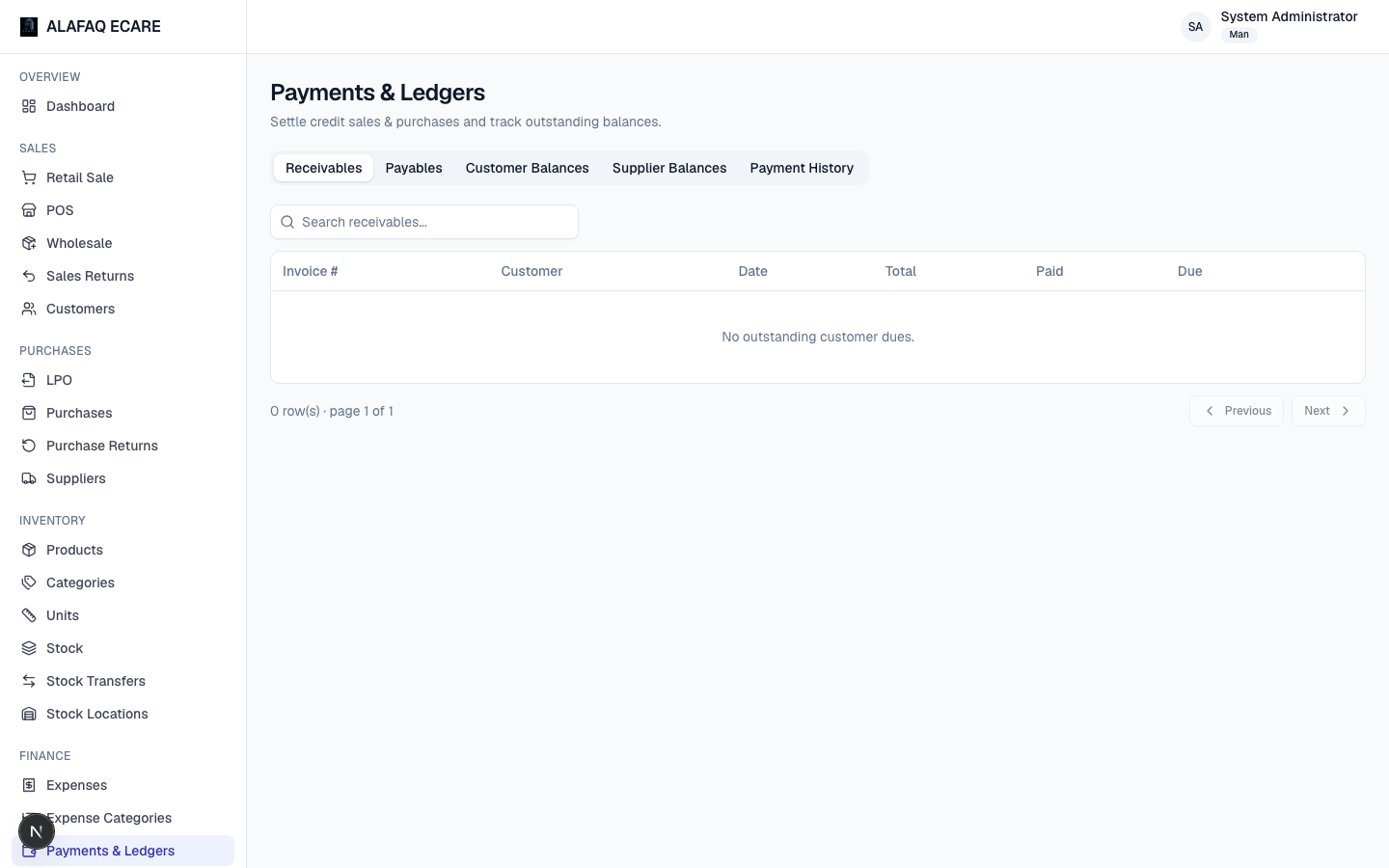
This is where you settle outstanding balances and review who owes what:
- Customer ledger — for each customer, see their running balance (total due across credit sales, minus payments received) and payment history.
- Supplier ledger — the same, for what you owe suppliers.
- Record Payment — settle a due amount against a specific credit sale or purchase, picking an amount and Payment Mode. This reduces the invoice's outstanding due and updates the customer/ supplier's overall balance.
Recurring Expenses
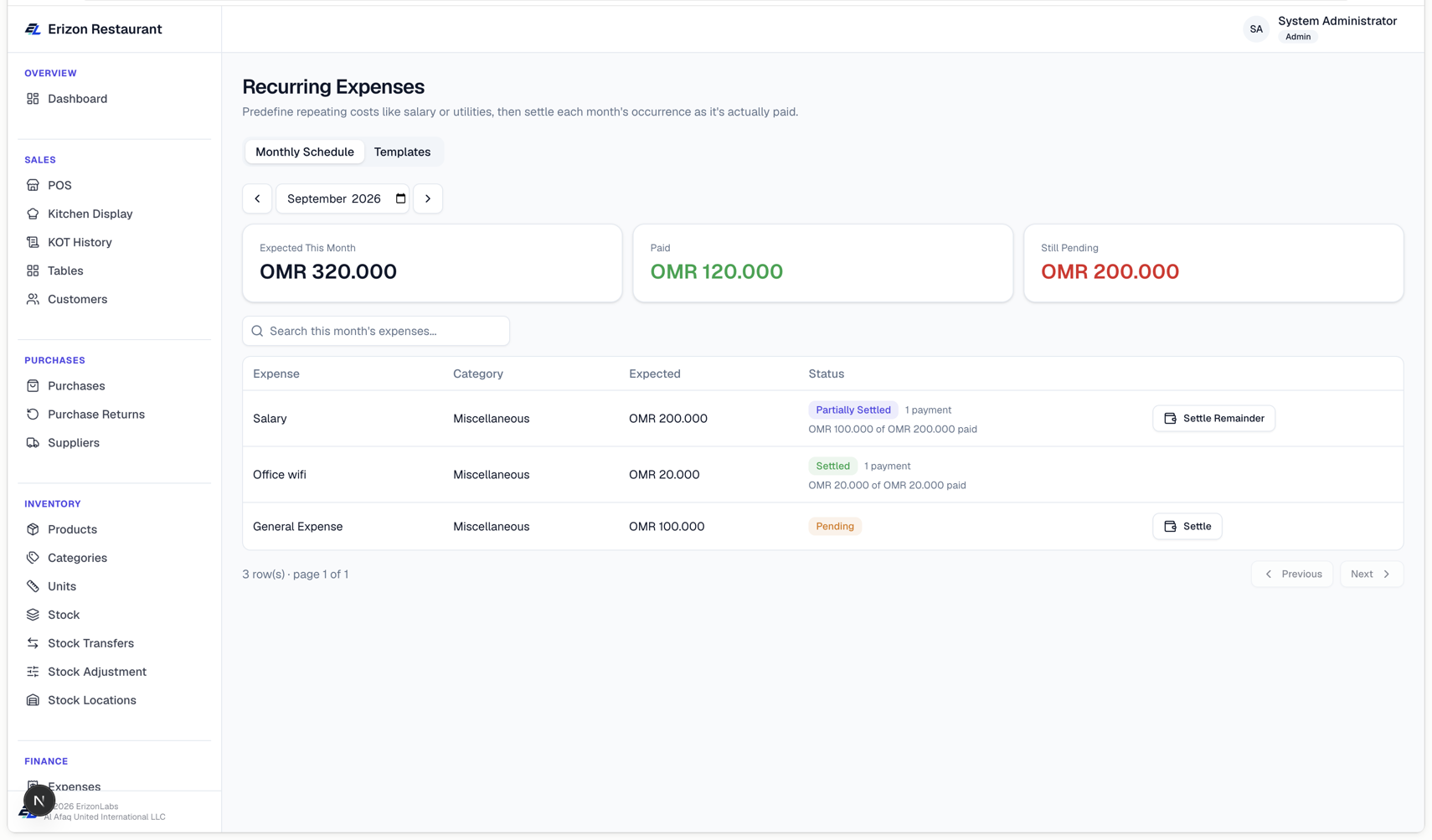
For costs that repeat every month — salary, rent, a utility bill — set them up once here instead of re-entering them in Expenses each time.
To set up a repeating cost, go to the Templates tab, click Add Template, and fill in the Name, Category, expected Amount, and how often it applies: One month only, a Fixed range of months, or Ongoing (every month from a start date, no end).
The Monthly Schedule tab shows the current month's occurrence of every active template, plus a separate Overdue table for anything left unsettled from earlier months. Each one shows a status:
- Pending (amber) — nothing paid yet.
- Partially Settled (blue) — some, but not all, has been paid.
- Settled (green) — fully paid.
- Overdue (red) — unsettled and from a past month.
Click Settle (or Settle Remainder on a partially-paid one) to record a payment — you don't have to pay the full amount at once; enter less than what's due to make a partial payment and settle the rest later. Every payment shows up as a real entry on the Expenses page and counts toward Profit & Loss, same as any other expense.
Click the small "N payment(s)" link under a Settled or Partially Settled entry's status to see every payment made against it, each with its own Undo — use this if a payment was recorded by mistake; the entry drops back to Partially Settled or Pending depending on what else was paid.