
Appearance
Telemedicine
Admin guide
There are two admin levels, with different scopes:
- Clinic admin runs a single clinic (organization) — its doctors, staff, appointments, branches, and settings.
- Platform admin runs the whole platform — every clinic, cross-clinic staff and patient lists, and the role/permission catalog that every clinic's permissions are built from.
A person can be a clinic admin at one clinic without being a platform admin, and vice versa; platform admin accounts aren't tied to any single clinic.
Clinic admin
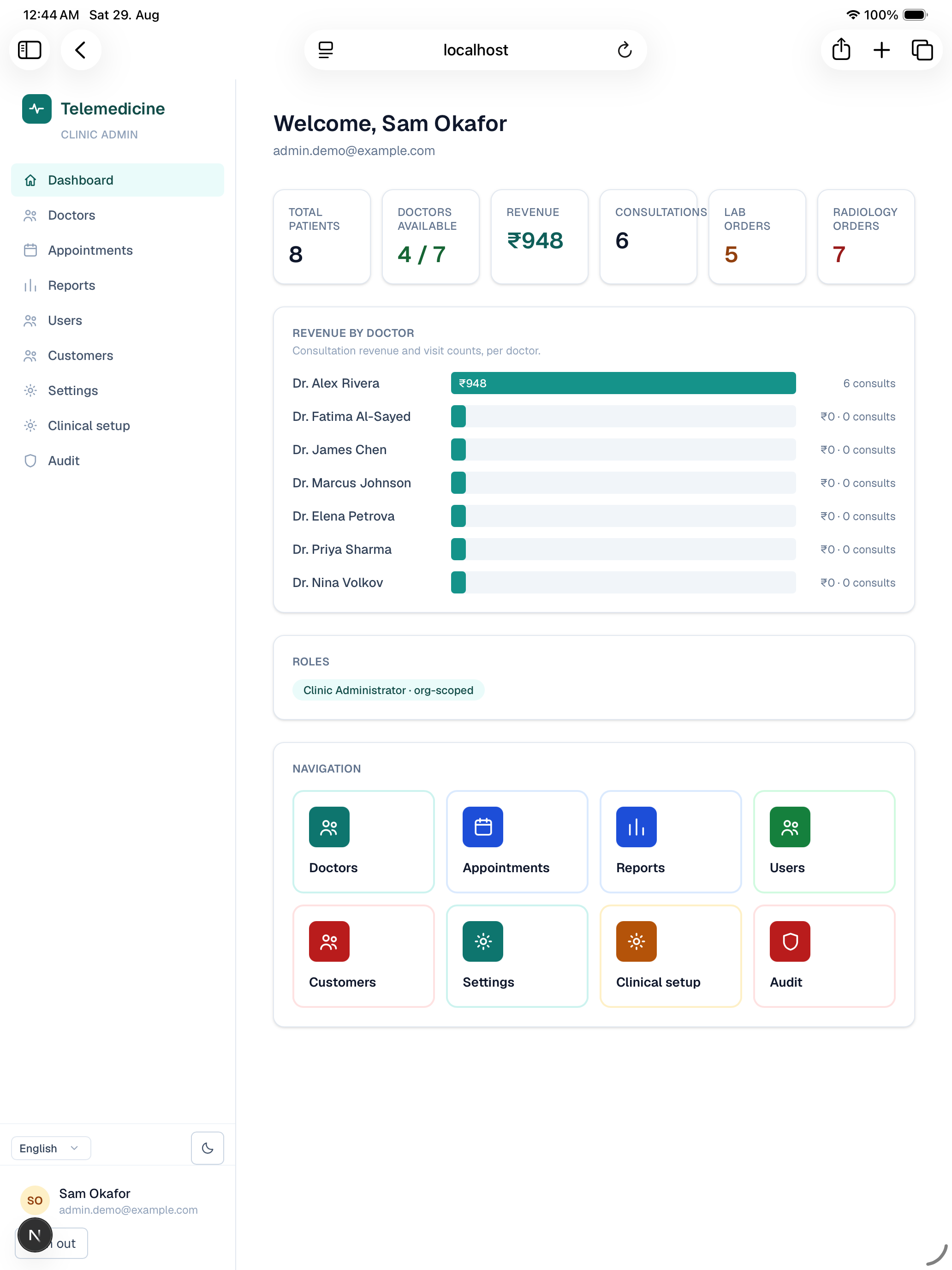
The clinic admin dashboard summarizes your clinic at a glance — patients, doctor availability, revenue, consultations, and open lab/radiology orders — with a revenue-by-doctor breakdown and quick links into every section below.
Manage doctors
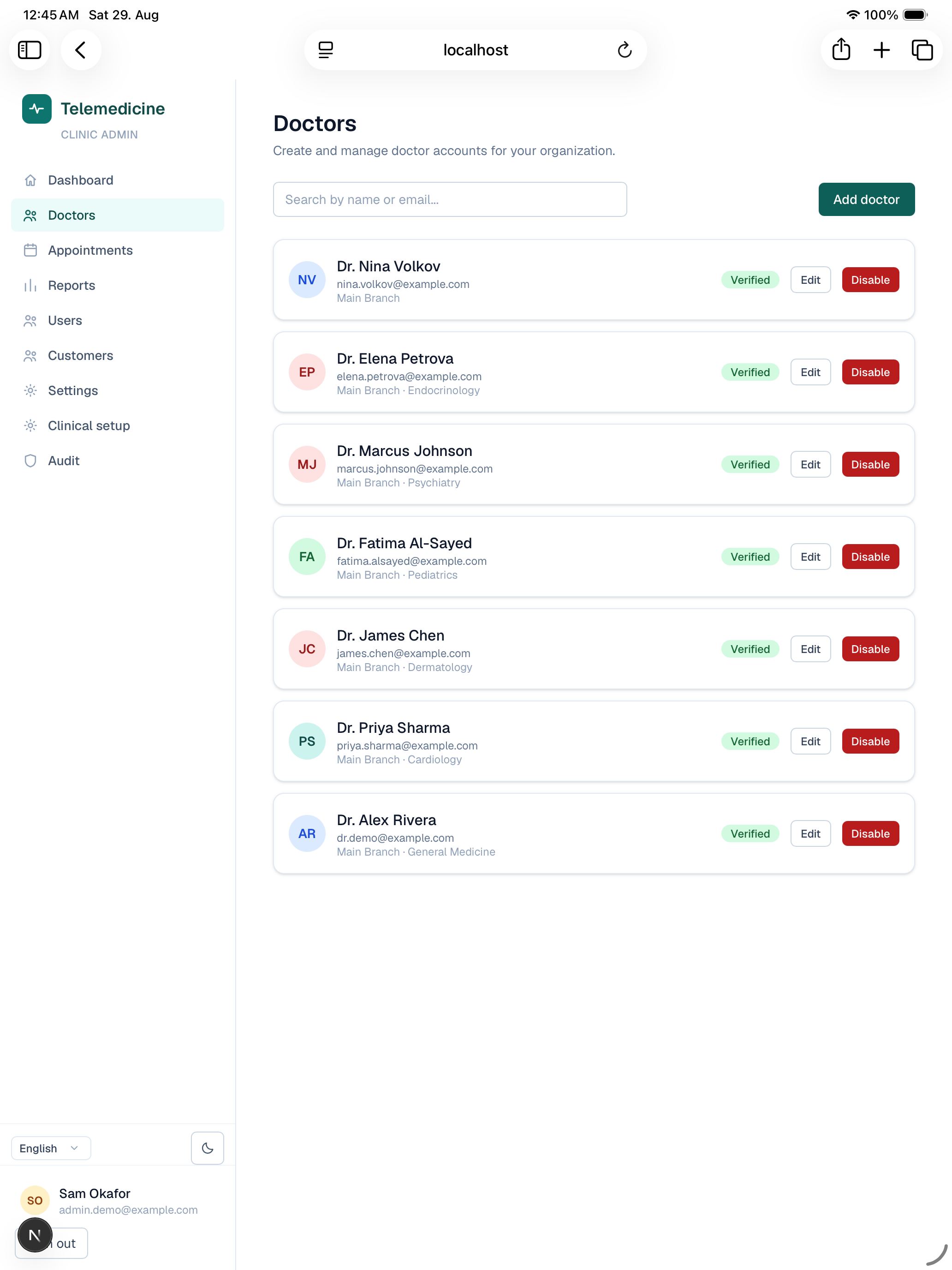
Create doctor accounts for your clinic, set their branch/specialty and consultation fee, and enable or disable them. A disabled doctor stops appearing in patient search but their history is preserved.
Appointments console
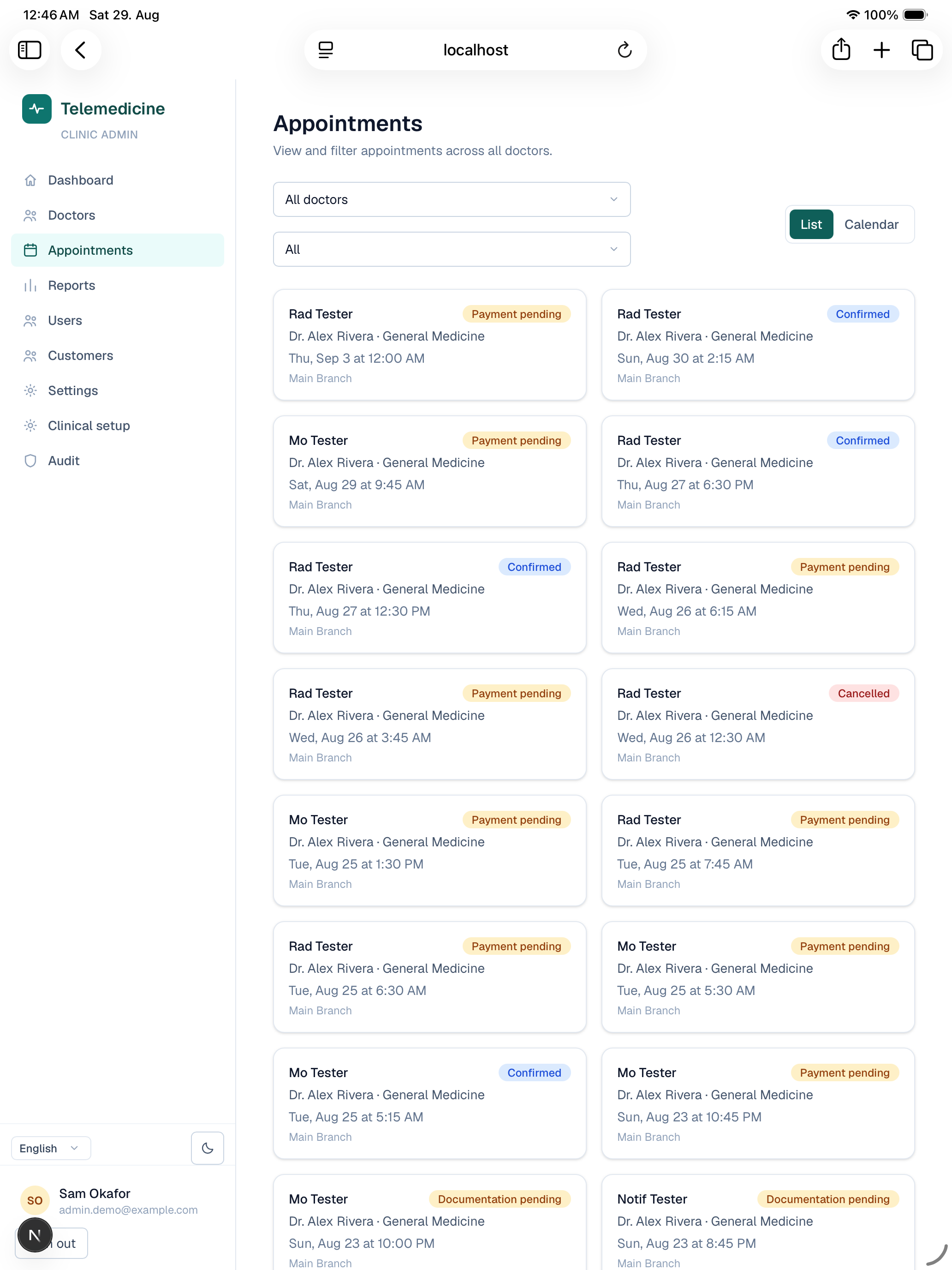
An org-wide, doctor-filterable view of every appointment across your clinic — useful for oversight, and for stepping in on a specific booking without needing the patient's or doctor's own login. Includes a calendar view alongside the list.
Reports
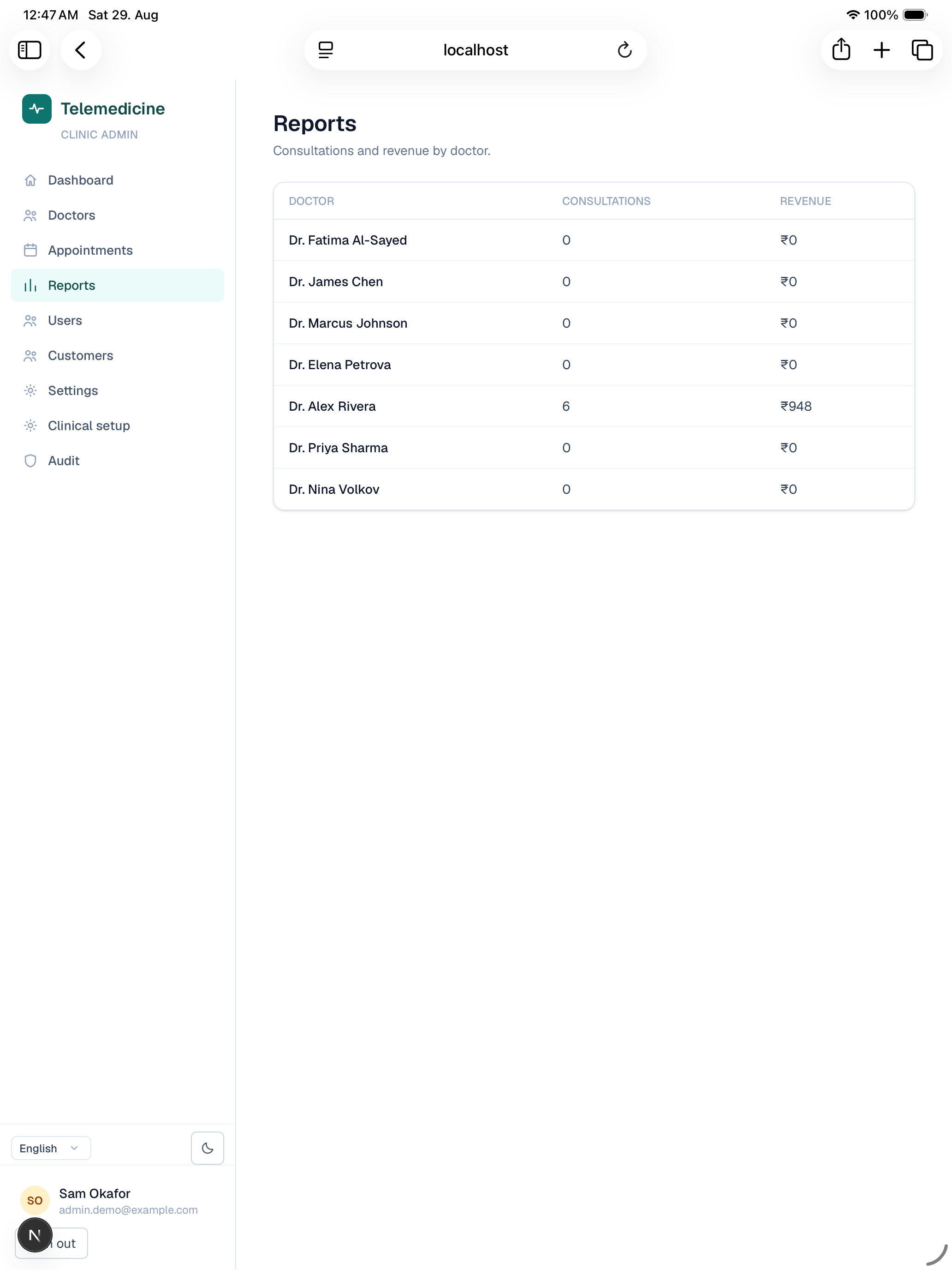
Aggregate stats for your clinic (consultations run, revenue) and a doctor-by-doctor breakdown — revenue counts successful payments, while consultation counts only completed visits, so the two numbers can tell different stories (e.g. a lot of paid-but-not-yet-completed bookings).
Users (staff & roles)
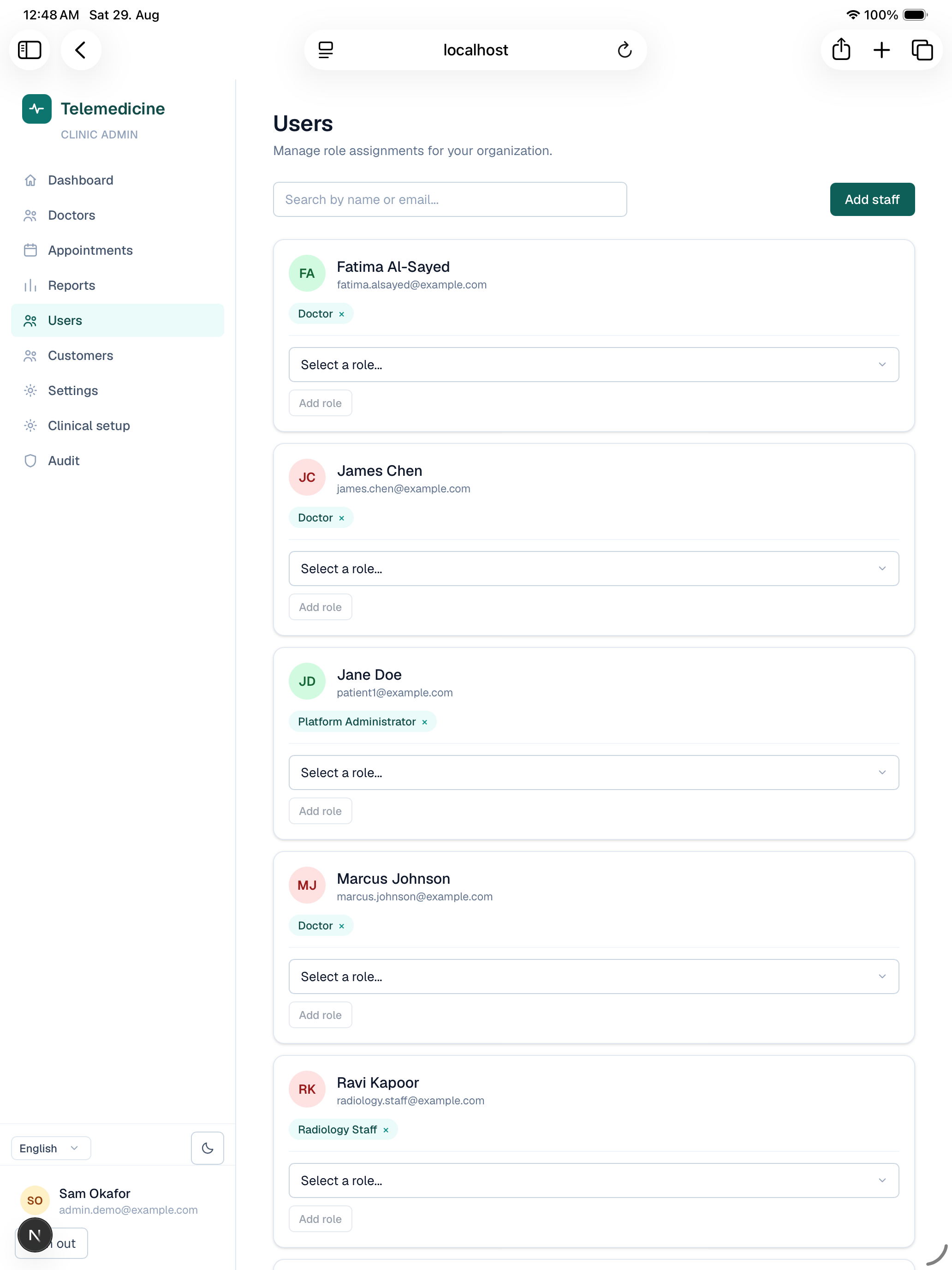
Create staff accounts — receptionist, lab staff, radiology staff, or another clinic admin — and manage which role each user holds at your clinic.
Customers
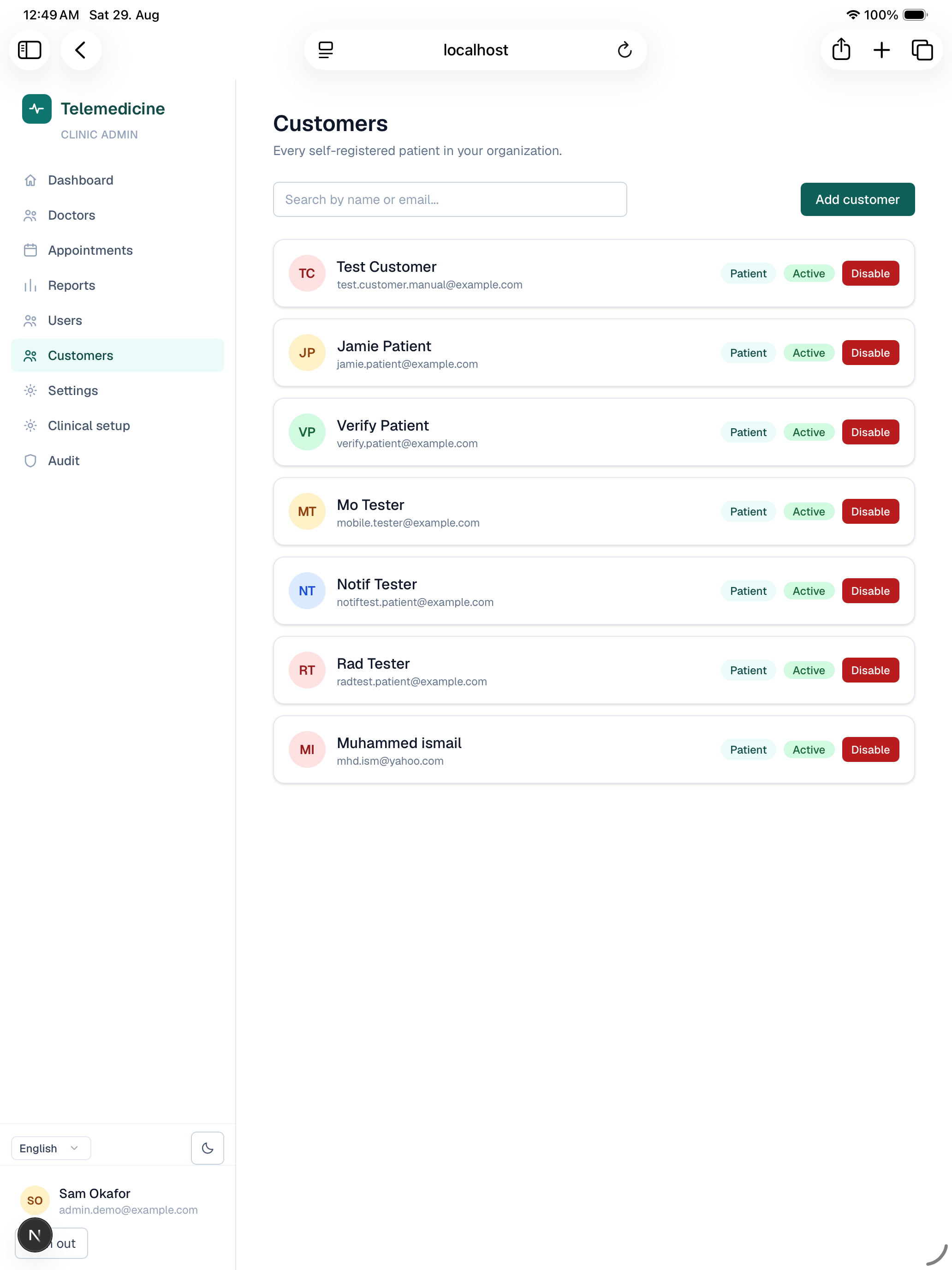
A read view of the patients associated with your clinic, separate from the staff/doctor list in Users.
Settings
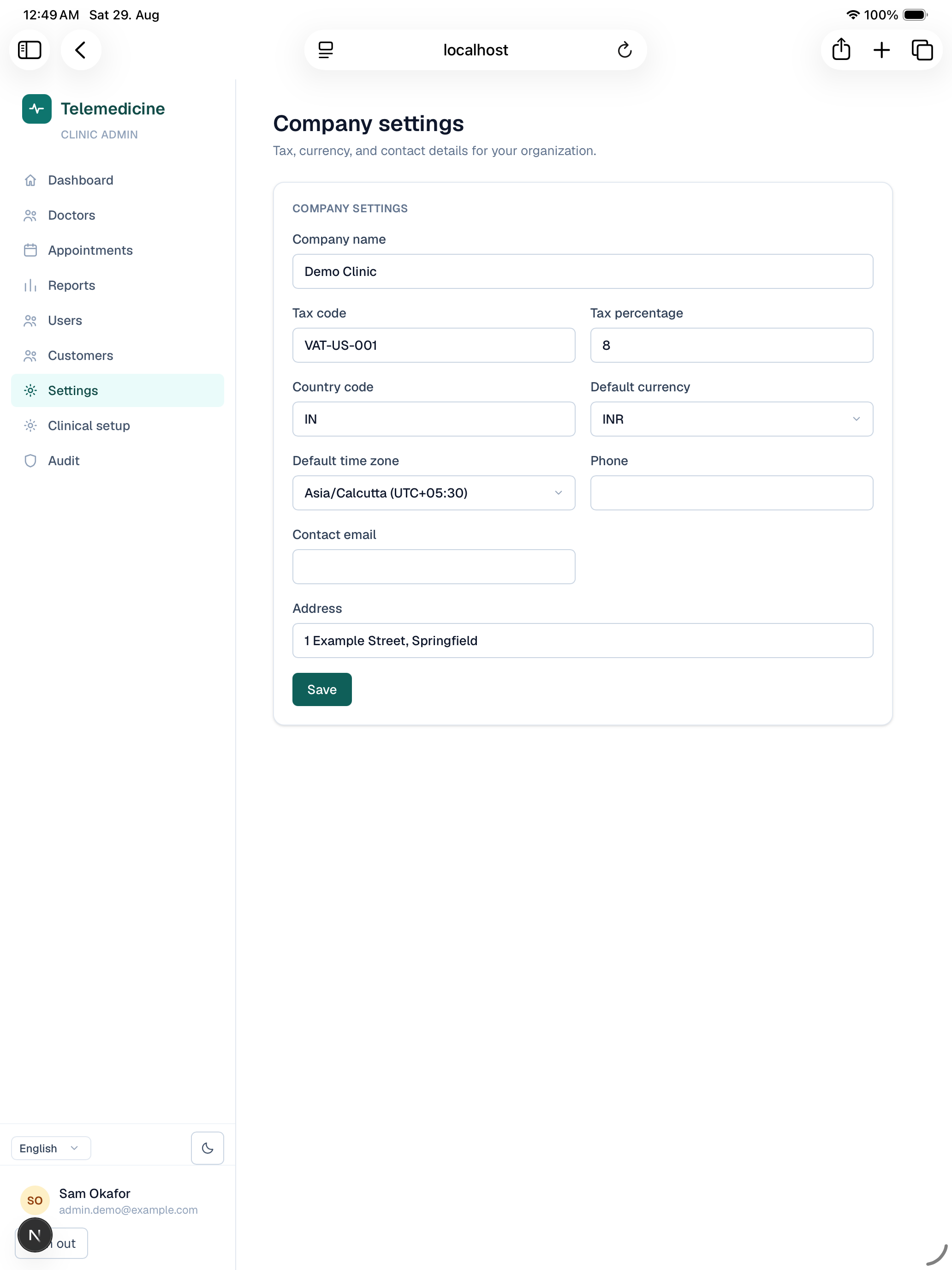
Your clinic's organization-level settings, including the tax percentage applied to paid consultations (shown as a line item on checkout and receipts).
Clinical setup (branches)
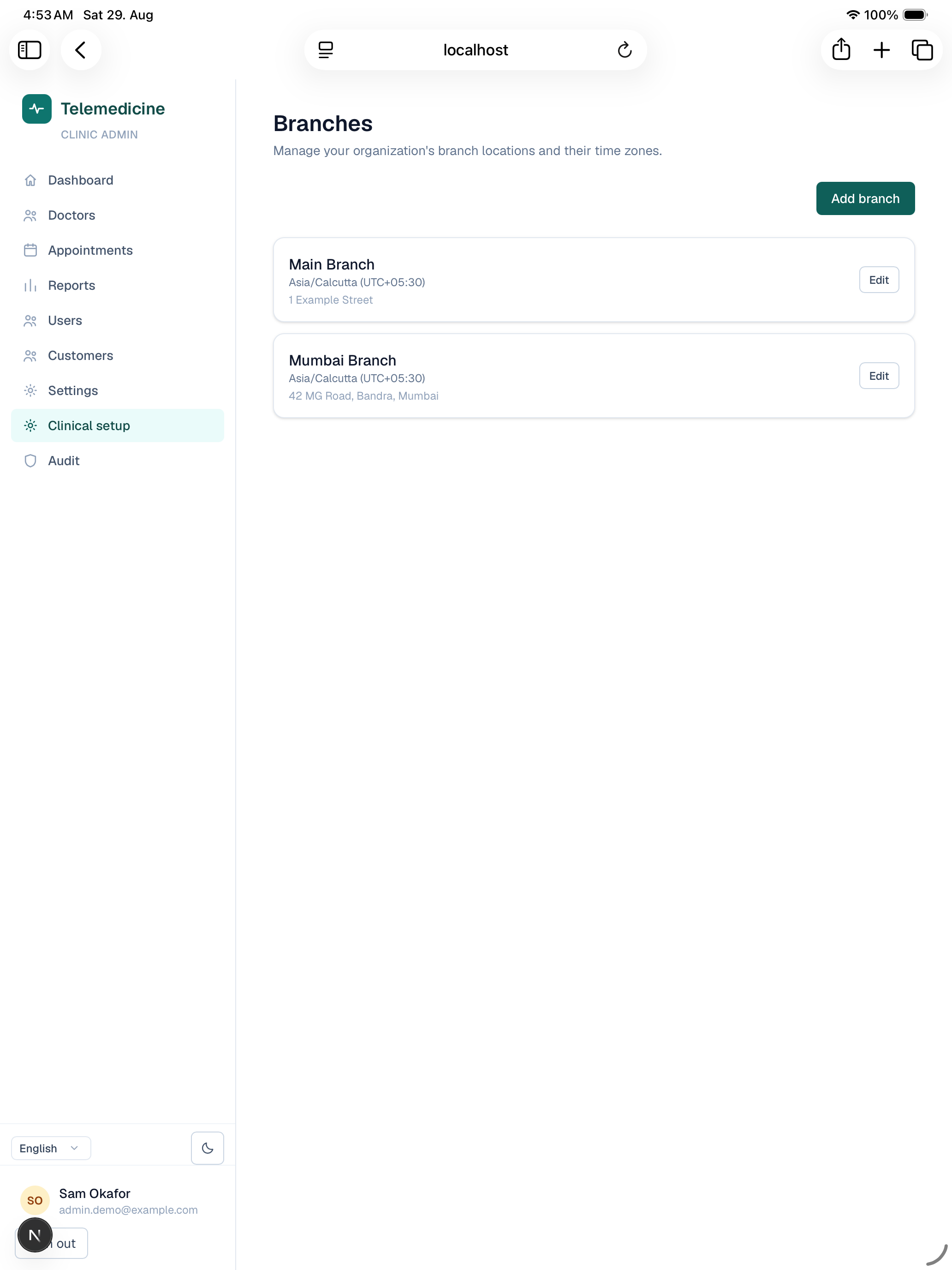
Manage your clinic's branches, each with its own timezone — every availability slot, calendar, and appointment time in the app is shown in its branch's timezone, so this is where that timezone is set.
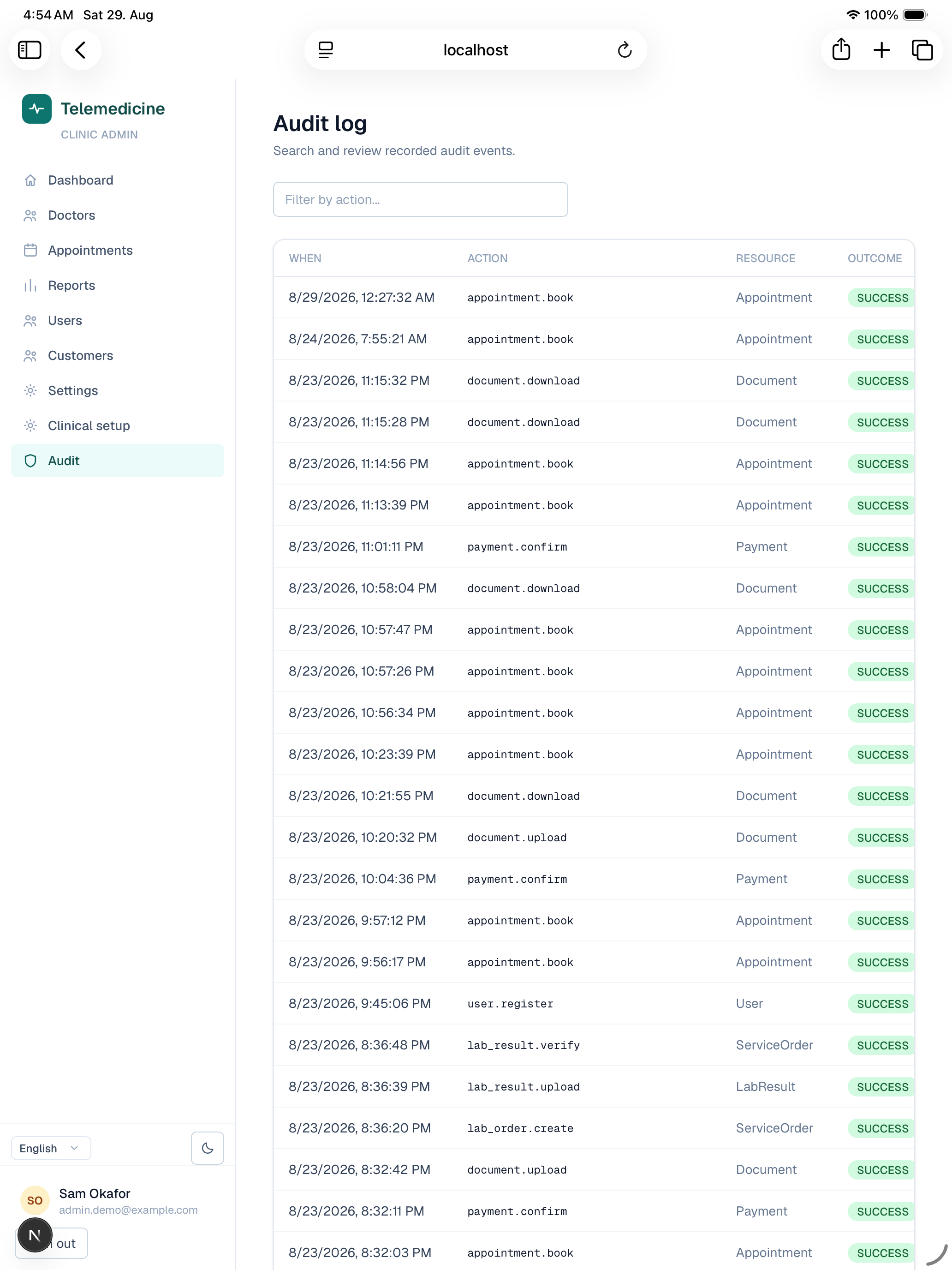
Audit log
A searchable log of security- and record-relevant actions across your clinic (logins, role changes, record access, session revocations) for compliance and incident review.
Platform admin
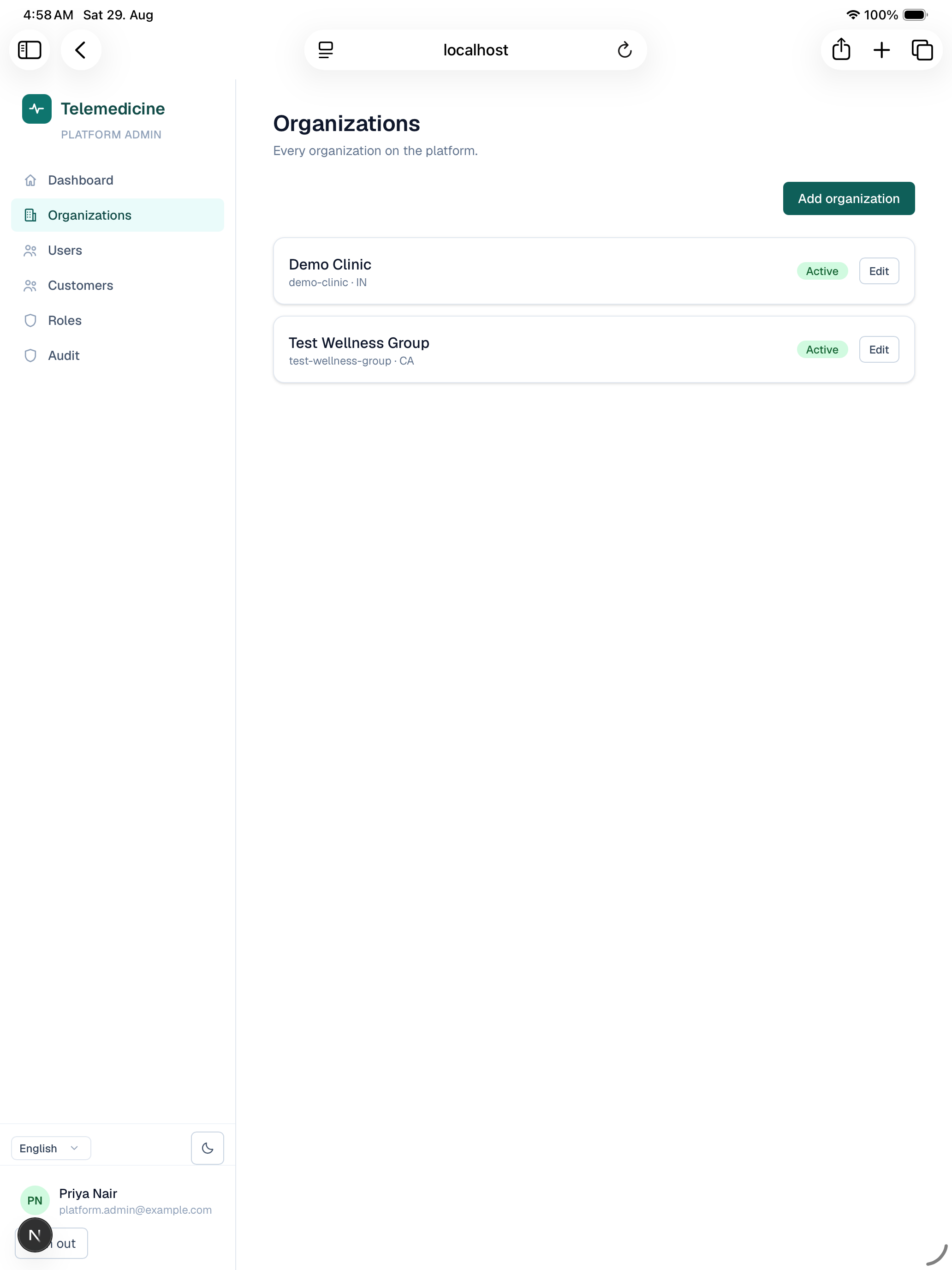
Organizations
List, create, and edit every clinic on the platform.
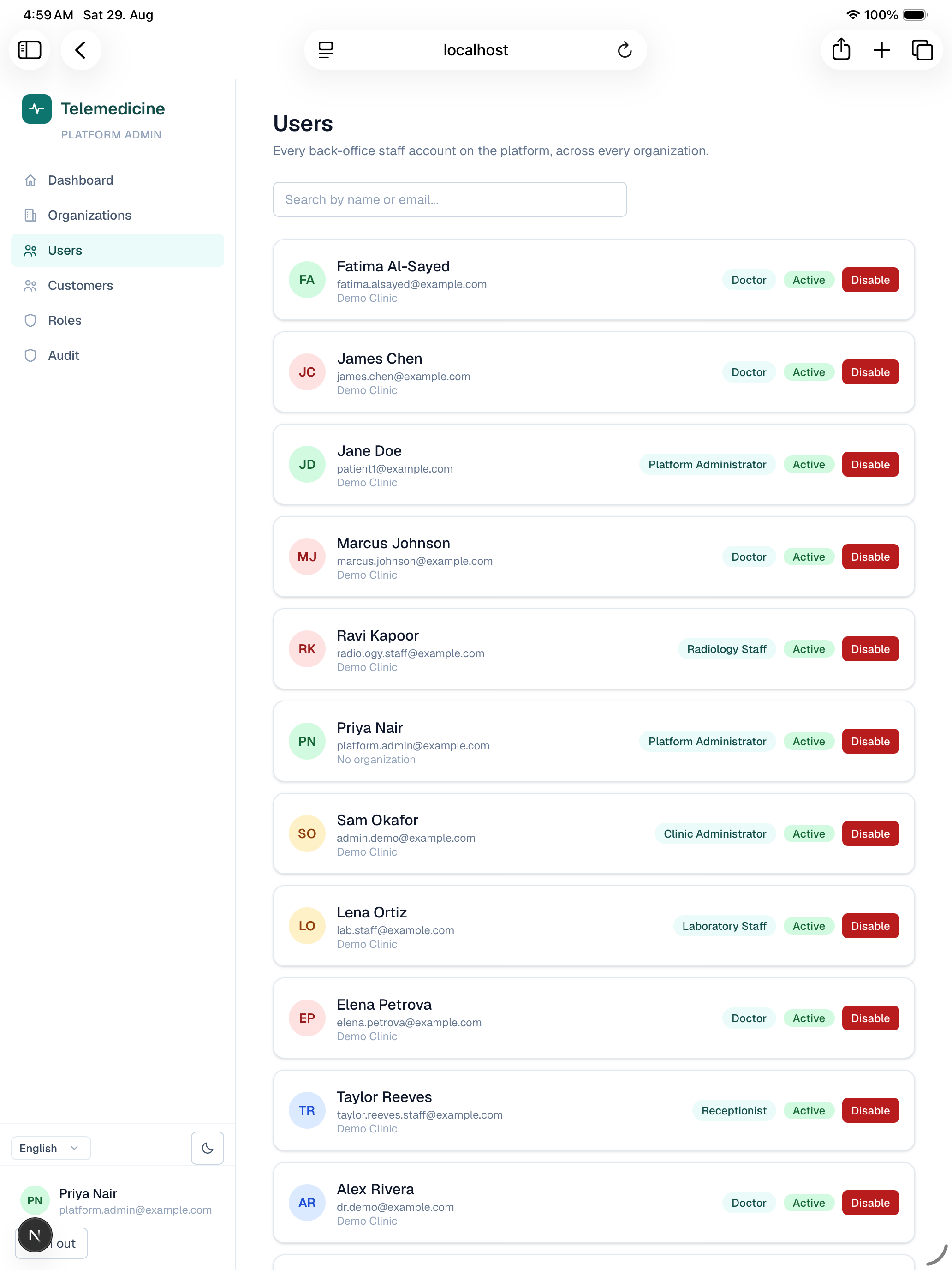
Platform users (staff)
A cross-clinic view of every staff/doctor/admin account on the platform, regardless of which clinic they belong to.
Customers
A cross-clinic, platform-wide view of every patient account (as opposed to a clinic admin's clinic-scoped Customers page).
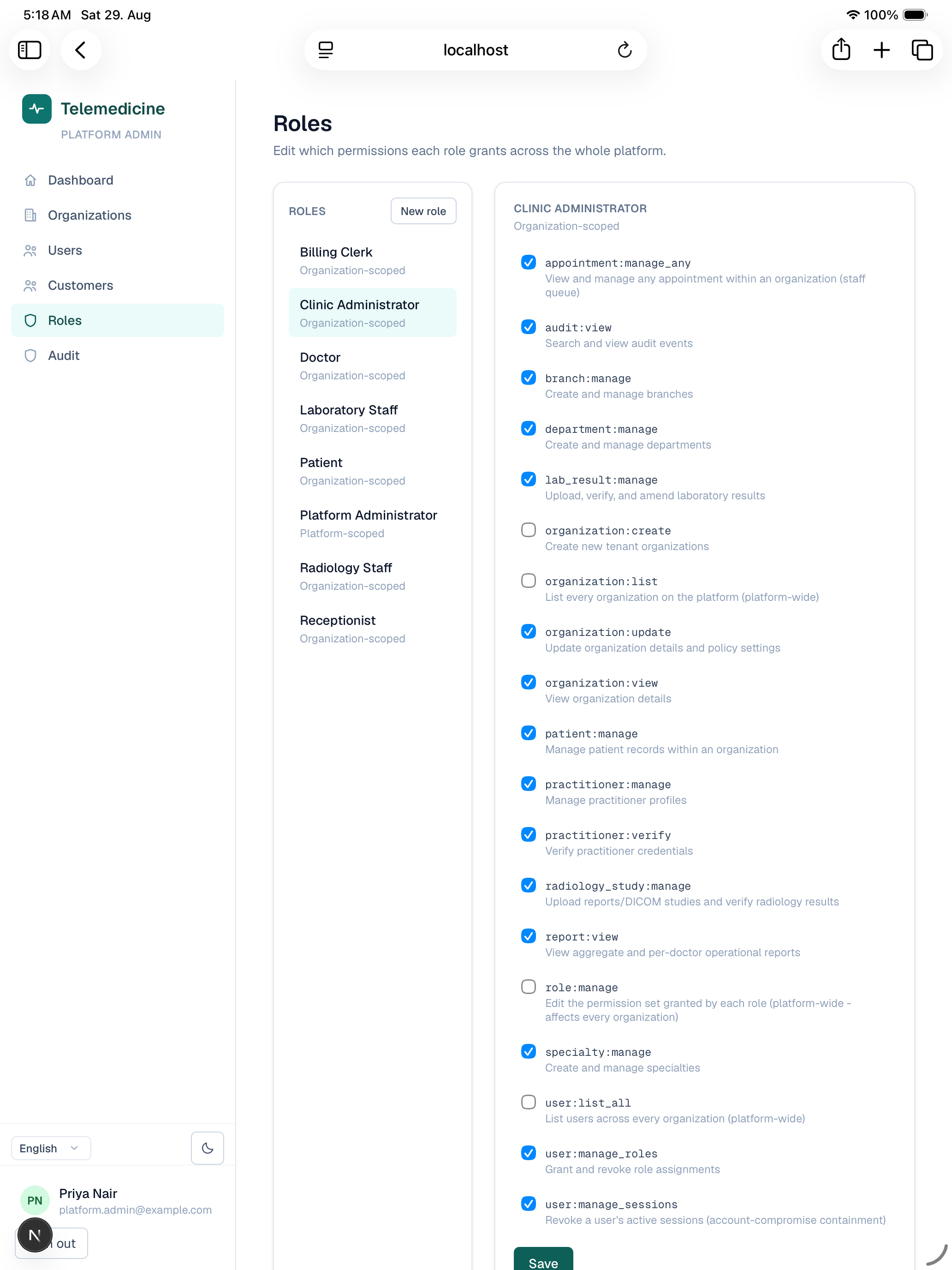
Roles
The one place permissions themselves are edited: pick a role (patient, doctor, receptionist, lab staff, radiology staff, clinic admin) and toggle which permissions it grants, or create an entirely new role. Changes here apply platform-wide and take effect immediately — every clinic admin's Users page and every user's navigation reflects the new grants right away, since navigation visibility and page access are both driven from the same permission check.
Audit log
Same audit log clinic admins see, but platform-wide across every clinic rather than scoped to one.
Settings
Platform-level settings (distinct from a single clinic's own Settings page under clinic admin).