
Appearance
Telemedicine
Staff guide
Covers the two working staff queues today — lab staff and radiology staff. Receptionist is a defined role without dedicated screens yet (see below).
Lab staff
Your dashboard links straight to the lab result queue.
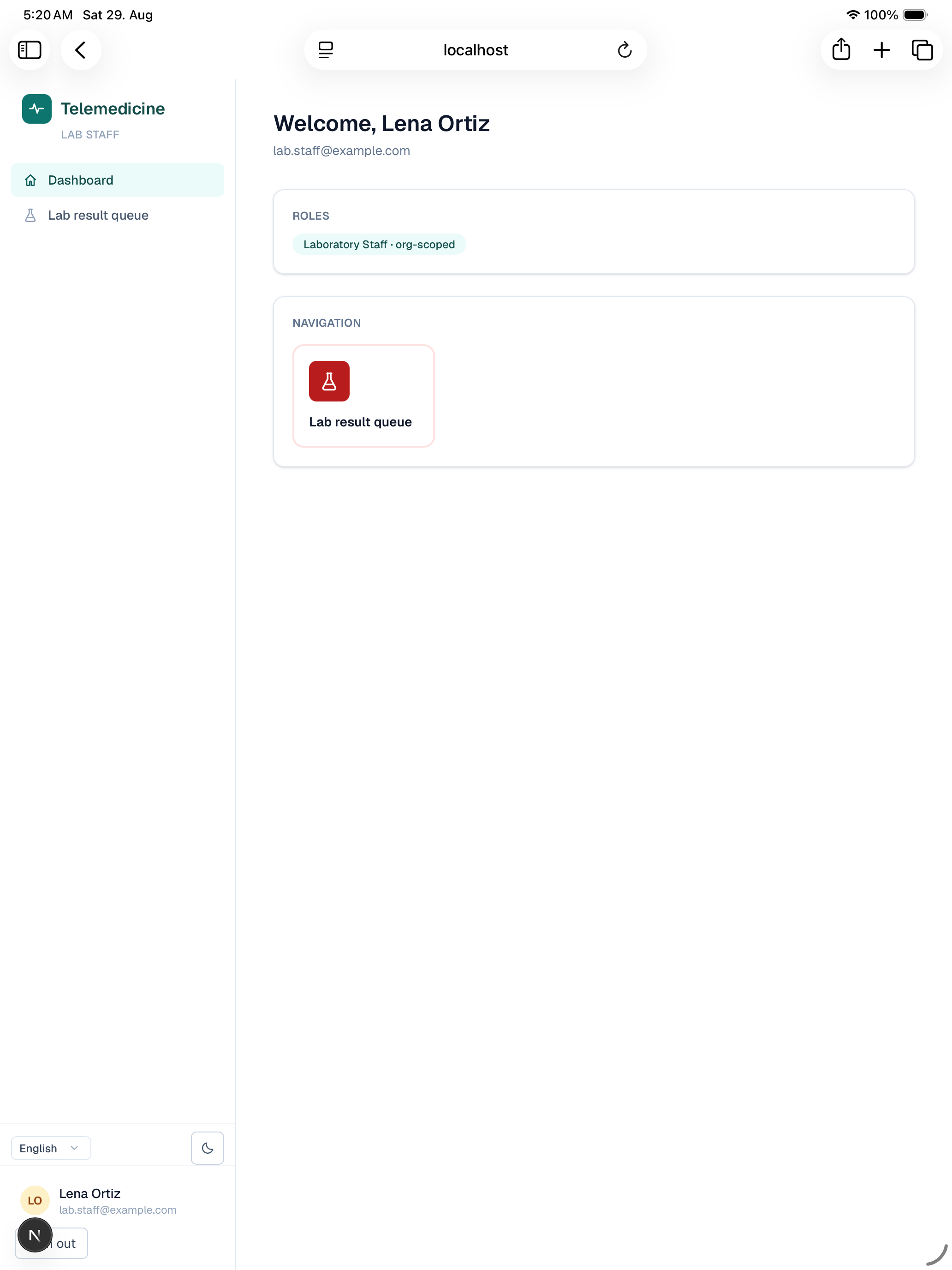
The lab result queue lists every test a doctor has ordered for their patients at your clinic, with its current status.
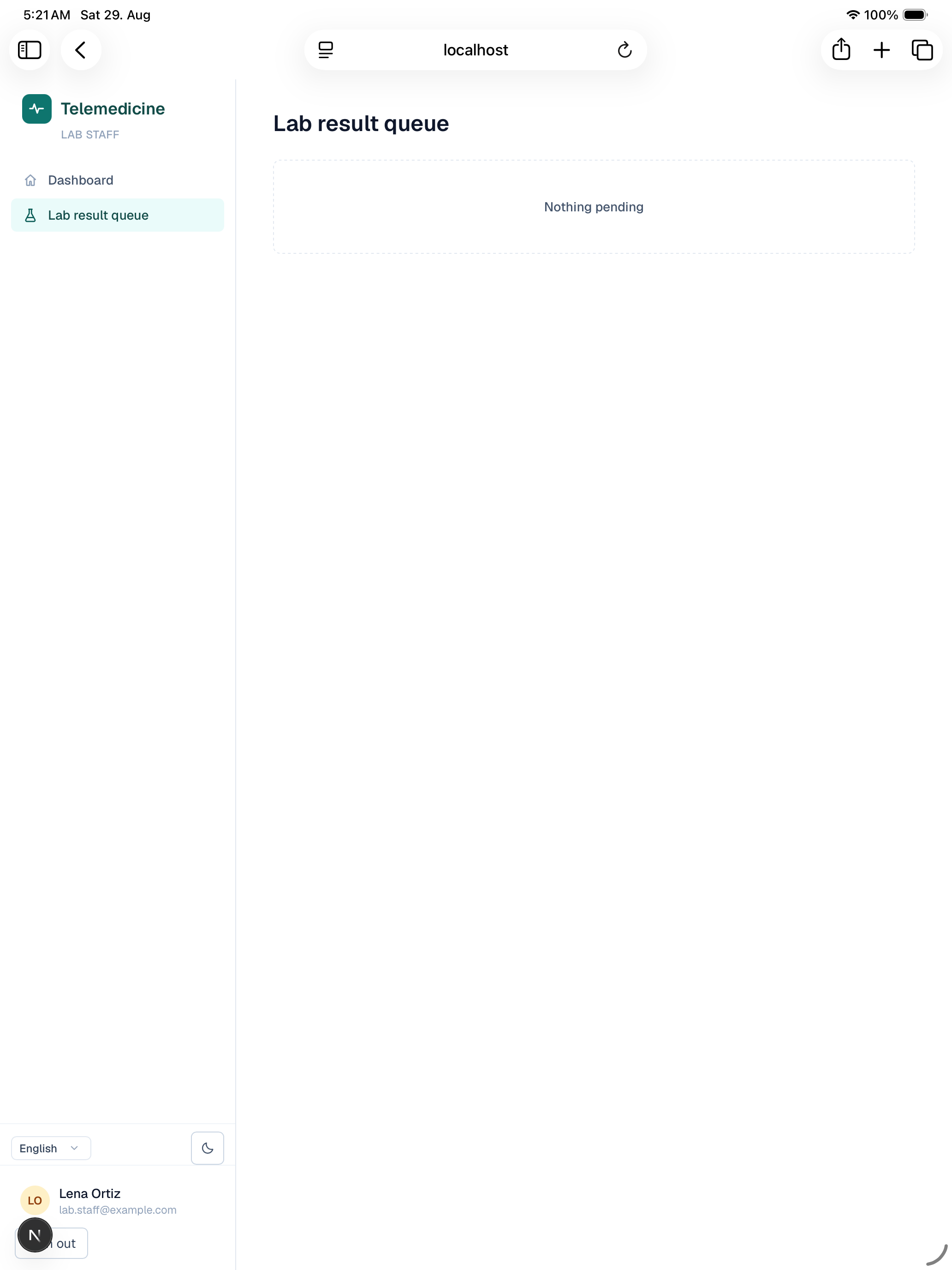
- Upload a result — for an ordered test, enter the report and each measured value (analyte, result, unit, and a normal/high/low/critical flag) and attach the report file. This moves the order to pending verification.
- Verify — approve an uploaded result to mark it verified, or reject it to send it back for a fresh upload. A verified result then goes to the ordering doctor to review and publish to the patient — it isn't visible to the patient until that happens.
- Amend — if a published result needs correcting, amending it keeps the original values on record (as a version history) while updating what's shown, and sends it back through doctor review before it re-publishes.
- A critical flag on any value is logged in the audit trail so there's a record it was flagged, alongside the same verify/publish flow as any other result.
Radiology staff
Your dashboard links straight to the radiology queue.
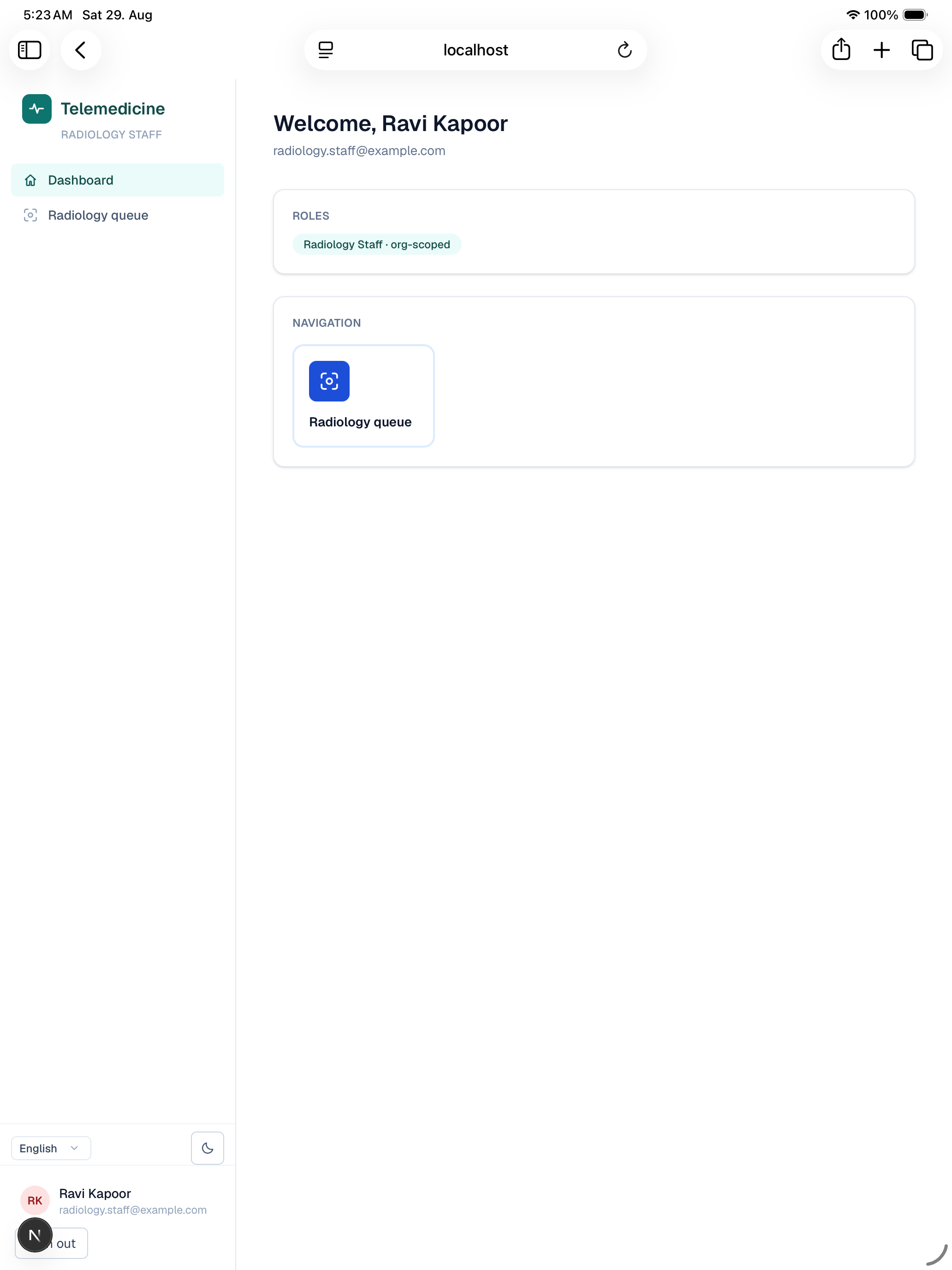
The radiology queue lists every imaging study a doctor has ordered.
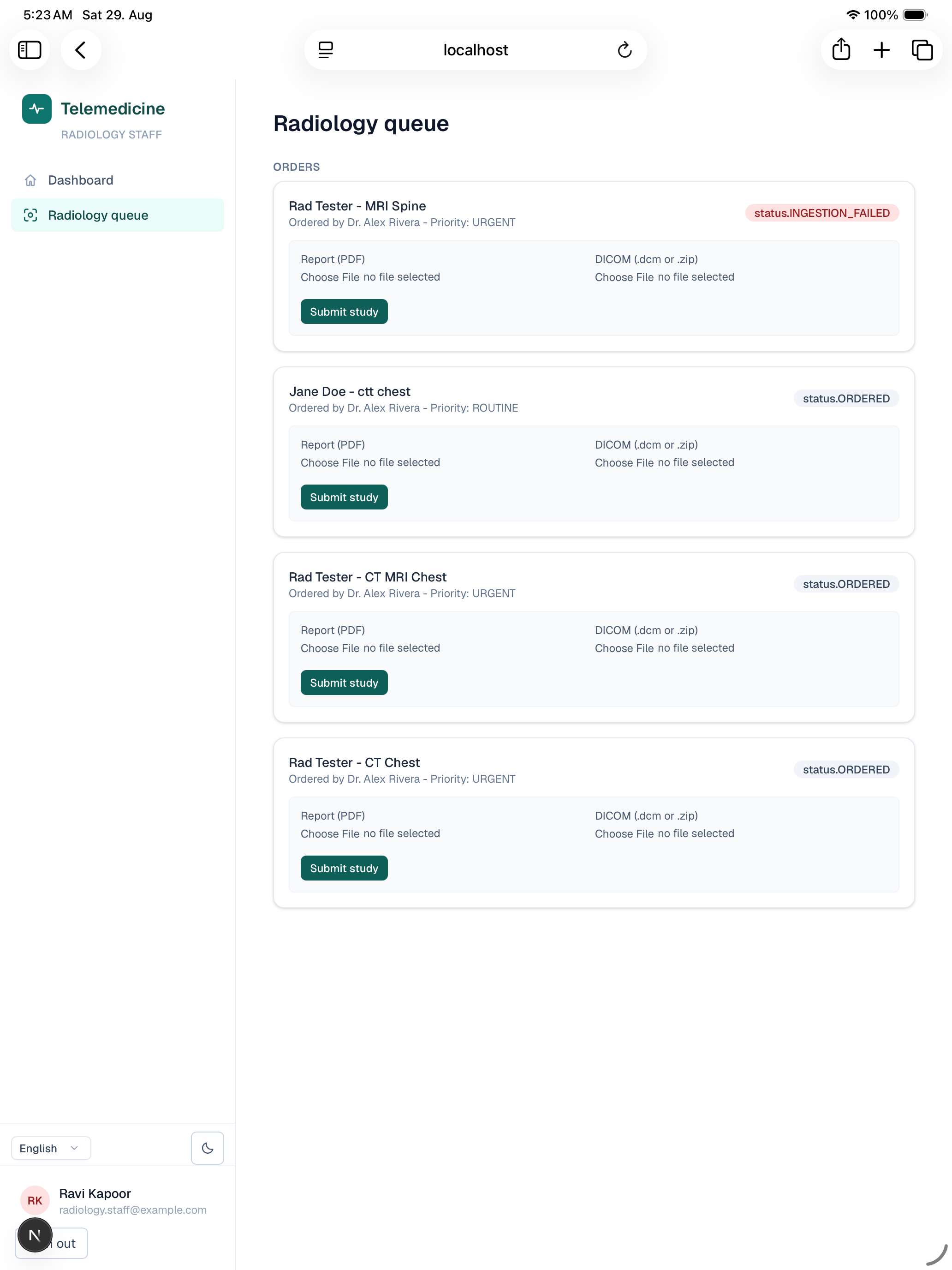
- Upload — upload the study's DICOM files (or a ZIP of them) along with the report. The system checks the uploaded images' patient name and birth date against the order before accepting them; a mismatch holds the study in a quarantine queue instead of ingesting it, for manual review rather than silently attaching the wrong images to a patient.
- Resolve a mismatch — review a quarantined study, and either resolve it (after confirming/correcting the mismatch) or reject it. Resolving doesn't automatically retry ingestion — a fresh upload is needed after fixing the underlying issue.
- Verify — same pattern as lab: verify an uploaded study, then it goes to the ordering doctor to acknowledge and publish before the patient can see it (rejecting sends it back to the upload step).
Receptionist
The receptionist role exists (front-desk registration, check-in queue, billing) and is already assignable from the admin Users page, but has no dedicated screens in the app yet — until then, appointment oversight for a clinic can be done by a clinic admin from the admin appointments console instead.