
Appearance
Telemedicine
Mobile app guide
A patient-facing companion app (React Native / Expo) covering the core patient journey: sign in, find and book a doctor, join video consultations, and view health records. There's no doctor or admin mobile app — those roles use the web app.
Availability: this is not published to the App Store or Google Play — it's currently a development build you run yourself via Xcode (iOS Simulator or a real iOS device) or Android Studio (emulator or a real Android device). The same account works interchangeably on the mobile app and the web app.
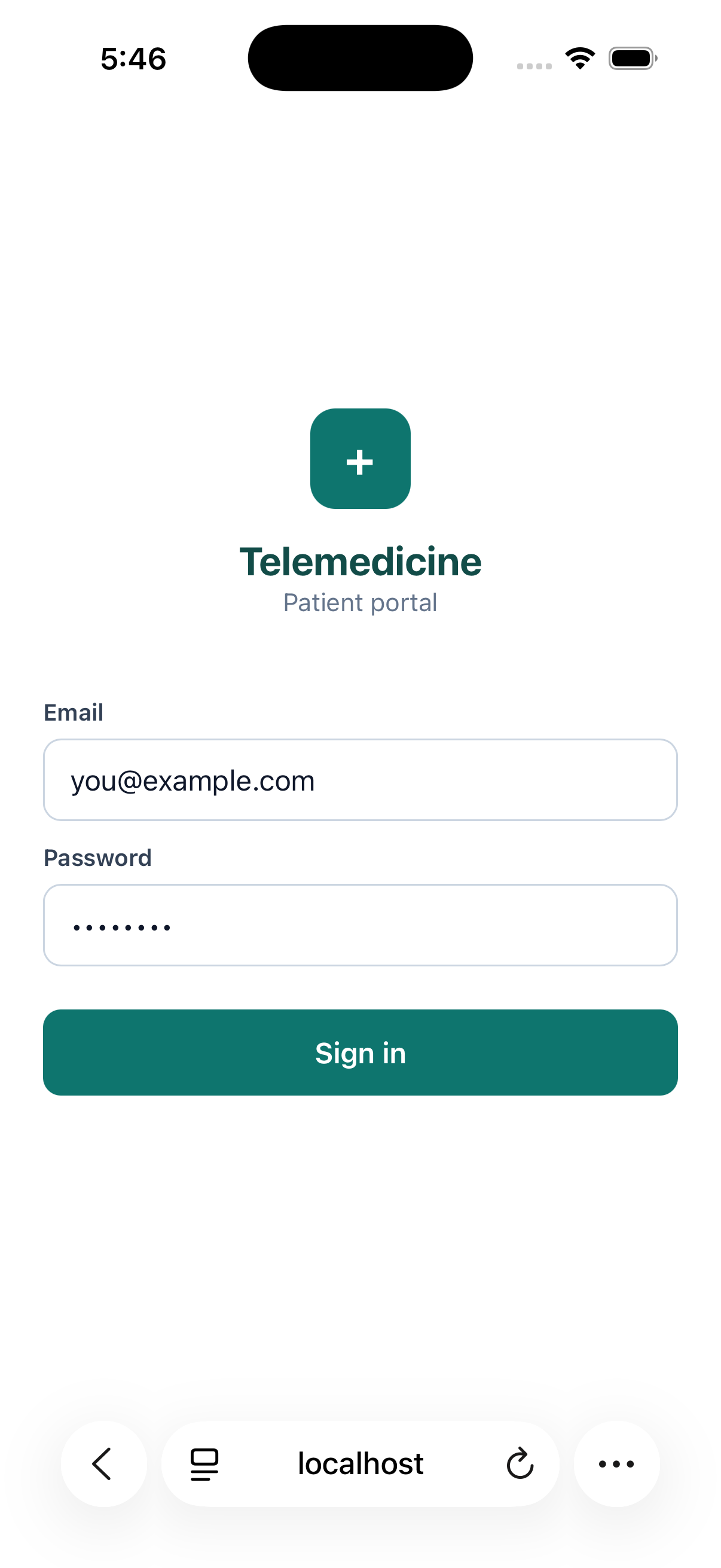
Signing in
Same email/password (and two-factor code, if enabled) as the web app — your account isn't platform-specific.
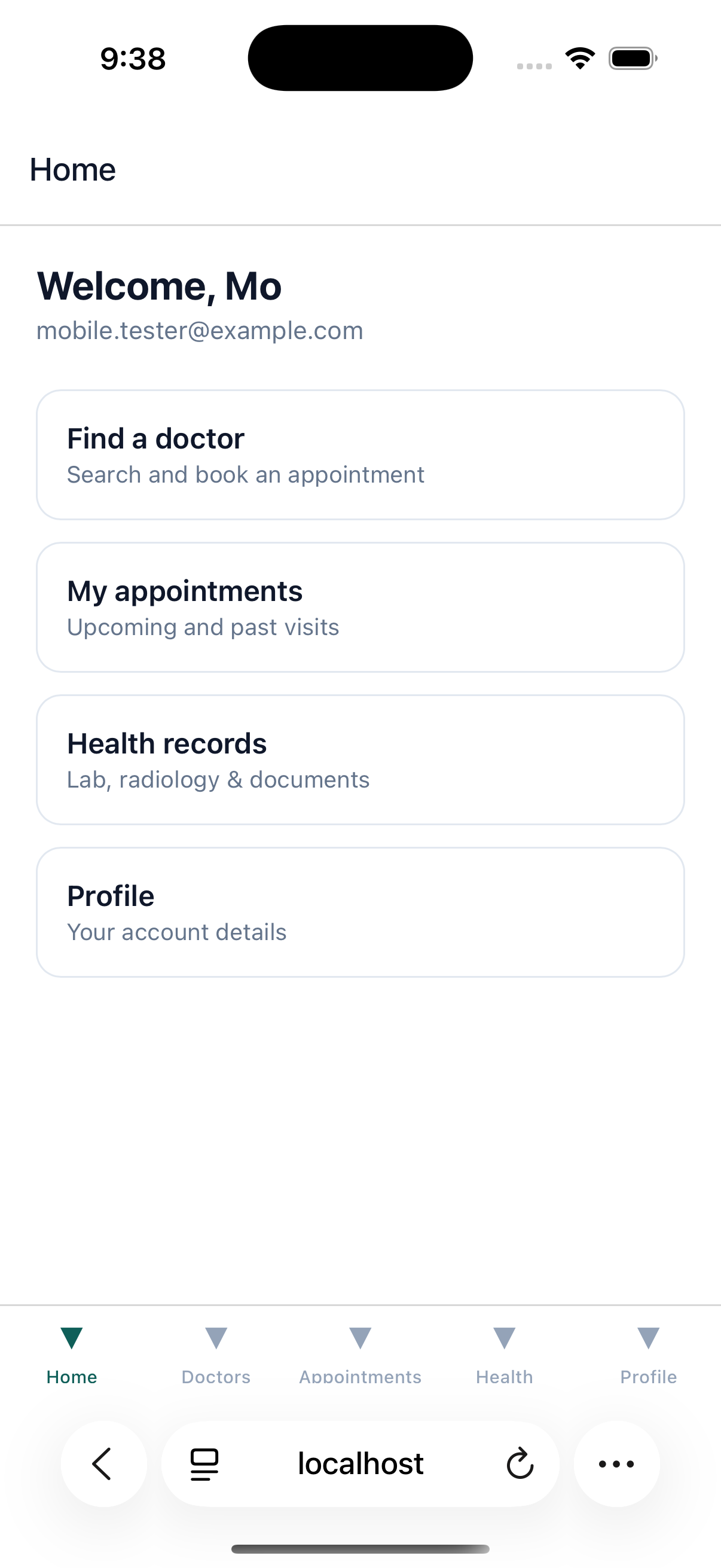
Home
Your dashboard tab: a welcome header and quick links into Find a doctor, My appointments, Health records, and Profile, mirroring the web dashboard's tiles.
Finding and booking a doctor
The Doctors tab lets you search by name and see each doctor's specialty, branch, and live availability status. Opening a doctor shows their bio, fee, and open time slots grouped by day (in the branch's timezone); tapping a slot books it immediately if free, or creates a pending-payment appointment if the doctor charges a consultation fee.
Paying for a visit
If a booked visit needs payment, open it from Appointments and tap Pay. This opens a secure in-app browser to Stripe checkout — the same real payment flow as the web app, not a separate/simulated one. After paying, you're returned to the app and the appointment shows as confirmed.
Appointments
The Appointments tab lists your upcoming and past visits with status. Check in when it opens (15 minutes before the visit) and join when your doctor also joins — the video consultation runs right in the app, with live audio/video and text chat for the duration of the visit.
Health records
The Health tab shows your lab results (with each value and its normal/high/low/critical flag, once published), radiology results, and documents. Documents can be opened or downloaded directly from the app.
Profile
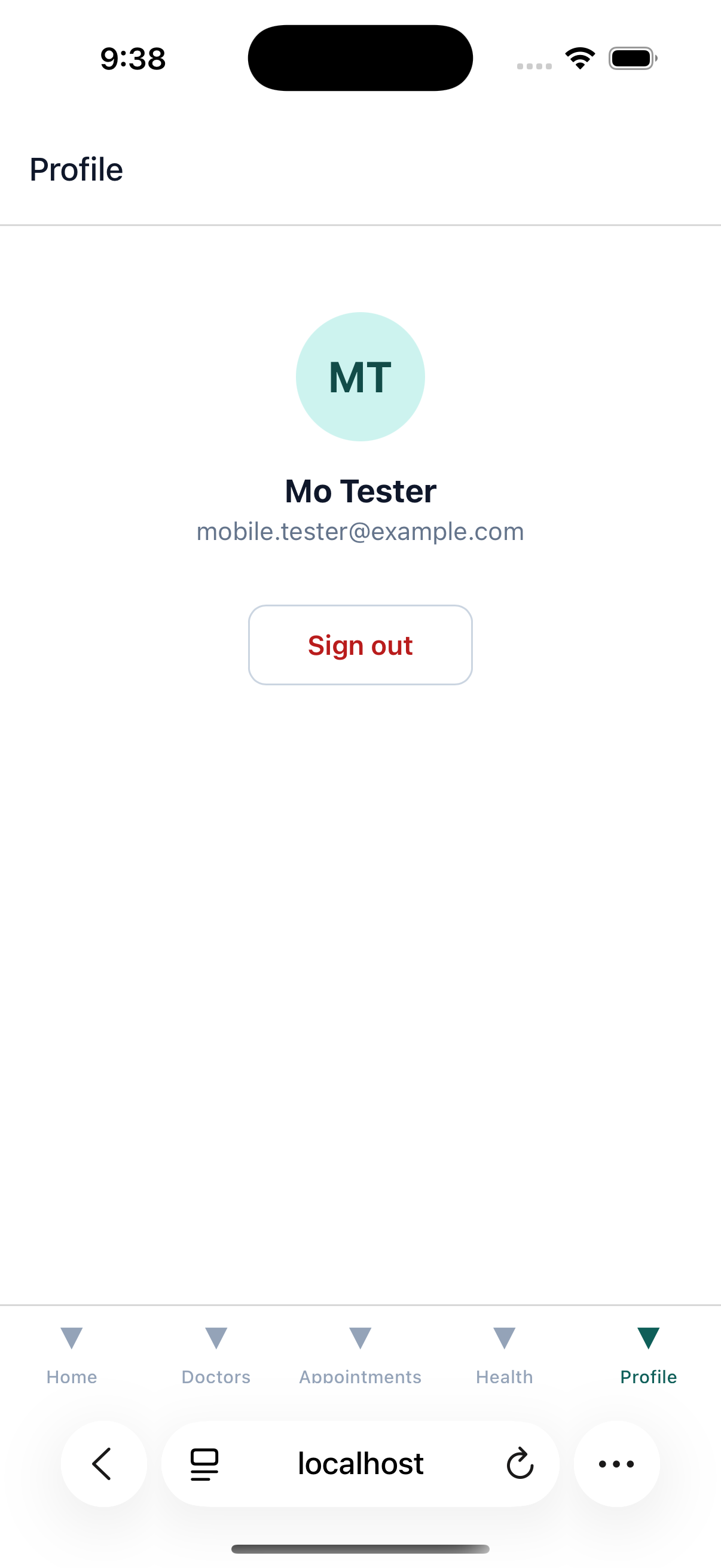
View your account details and sign out from the Profile tab. Richer profile editing (photo, address, password change) is currently on the web app only.
Platform notes
Both iOS and Android builds have been verified to work end-to-end, including sign-in, doctor search/booking, and the real Stripe payment launch. The two platforms look and behave the same, aside from expected native chrome (status bar, system back gesture on Android, etc.).