
Appearance
Accounts
Purchasing
The purchase chain mirrors sales: Purchase Request → Purchase Order → Goods Receipt Note → Supplier Bill → Debit Note (if needed). As with sales, you can skip stages — a service purchase can go straight from PO to Bill with no goods receipt at all.
Suppliers
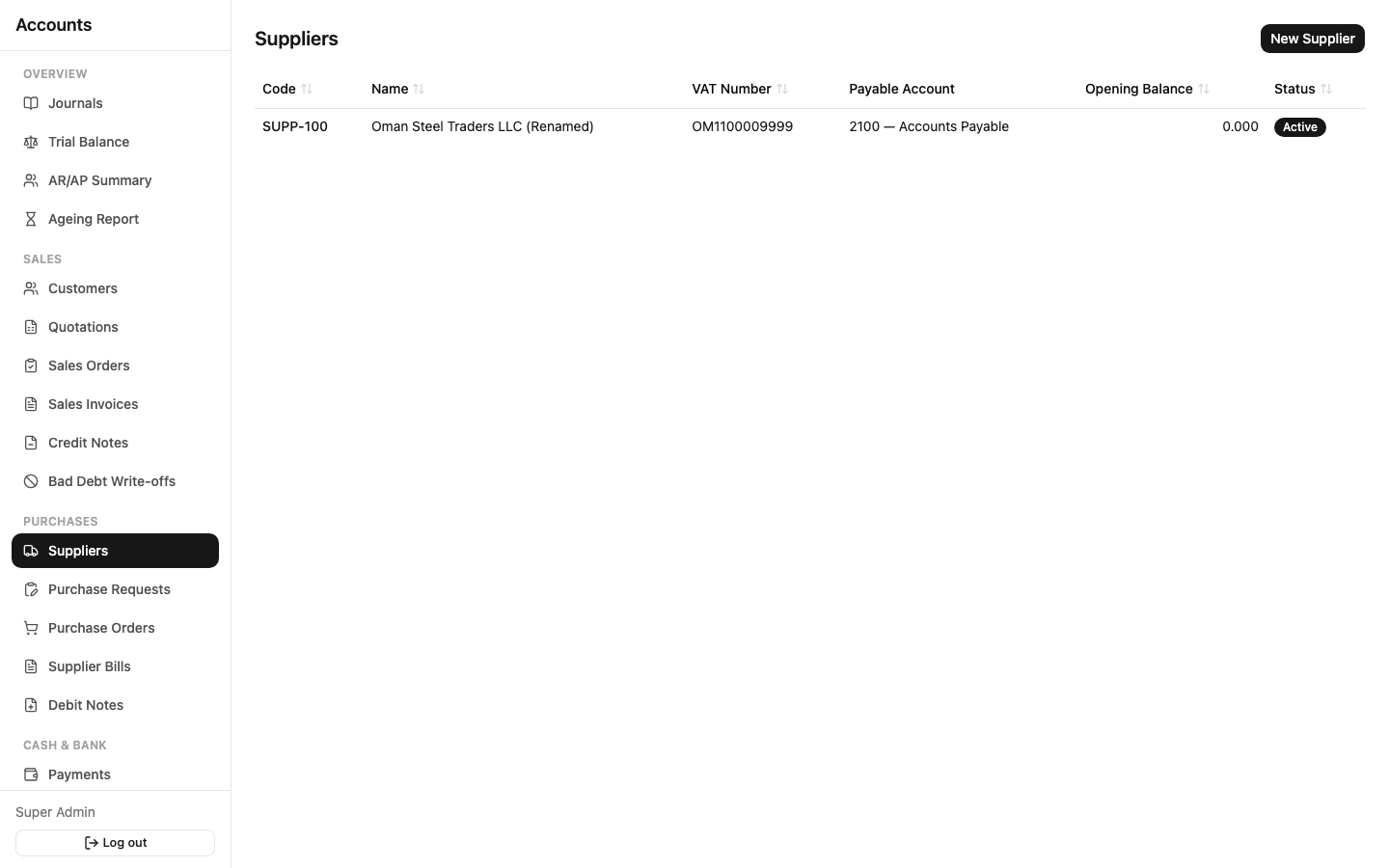
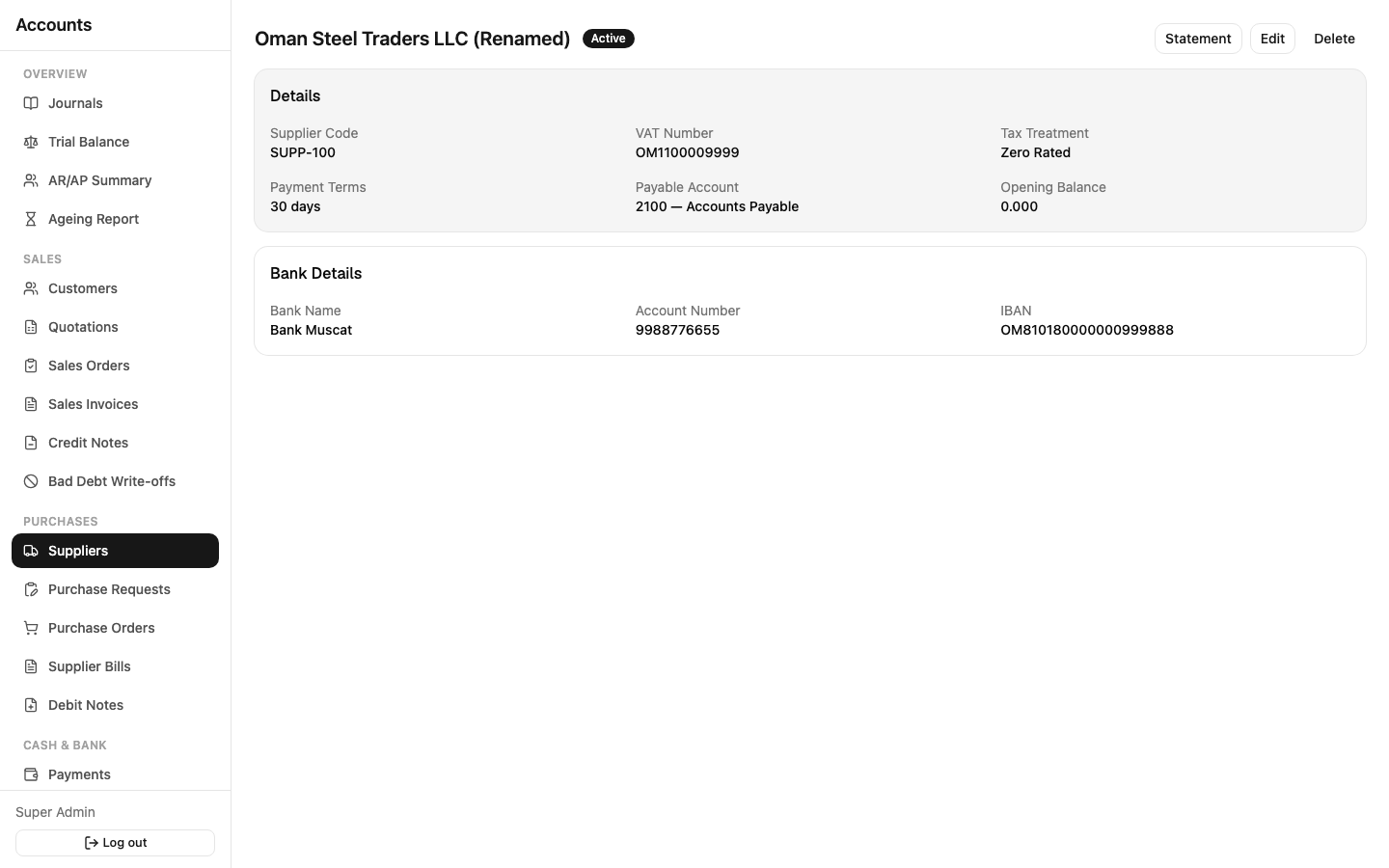
Sidebar: Purchases → Suppliers.
Holds supplier code, name, tax treatment, payment terms, the GL account their bills post to (Payable Account), and bank details for making payments — bank account number and IBAN are encrypted and only visible to roles with access. Open a supplier's detail page for their Statement and Ageing, same as customers.
Purchase Requests
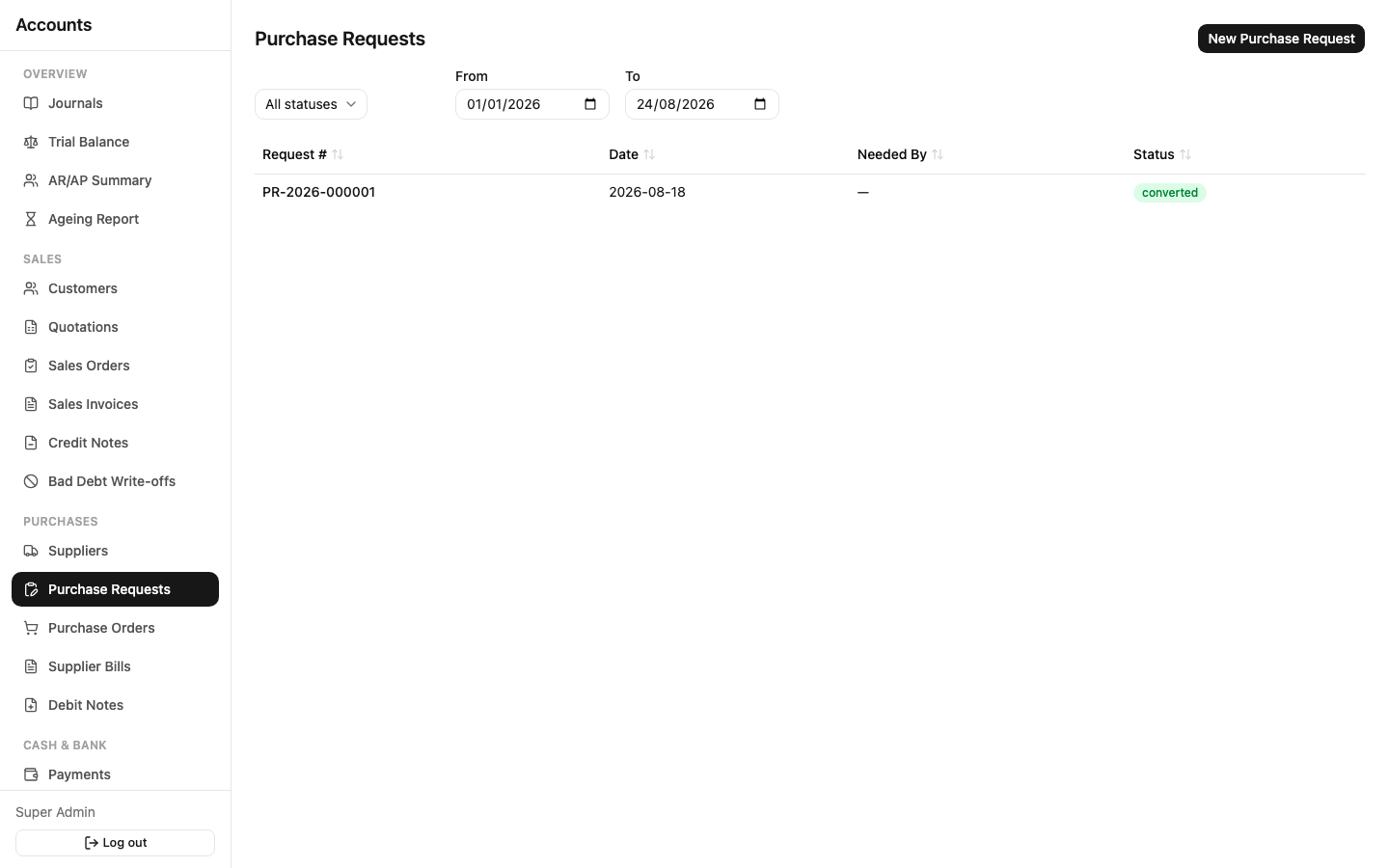
Sidebar: Purchases → Purchase Requests. An internal request to buy something, before a supplier or price is committed — Draft → Submitted → Approved / Rejected → Converted. Approving a Purchase Request doesn't create any accounting entry; it's a green light to raise a Purchase Order, which you do with Convert.
Purchase Orders
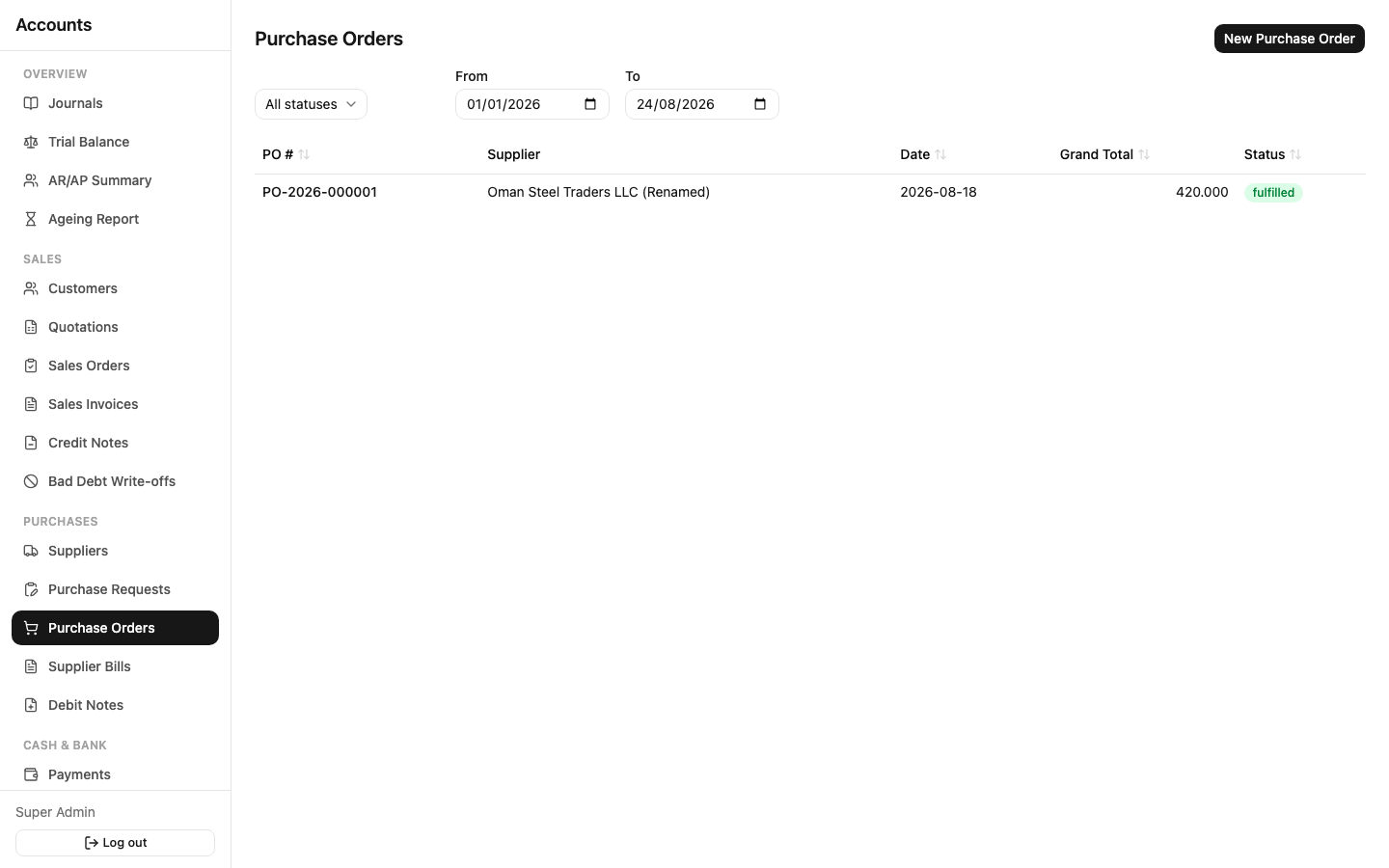
Sidebar: Purchases → Purchase Orders. Tracks what's on order from a specific supplier — each line shows received quantity and billed quantity against the ordered quantity, same pattern as Sales Orders. Status is Open until fully received/billed, then Fulfilled.
Goods Receipt Notes (GRN)
Reached from a Purchase Order (no standalone list — create one from the PO you're receiving against). Confirming a GRN records goods arriving into a warehouse, updates the PO's received quantity, and moves inventory value in at the receipt cost. You can add landed costs (freight, customs, handling) on the GRN — these get allocated across the received lines and increase what each item is actually valued at, rather than sitting as a flat expense.
Supplier Bills
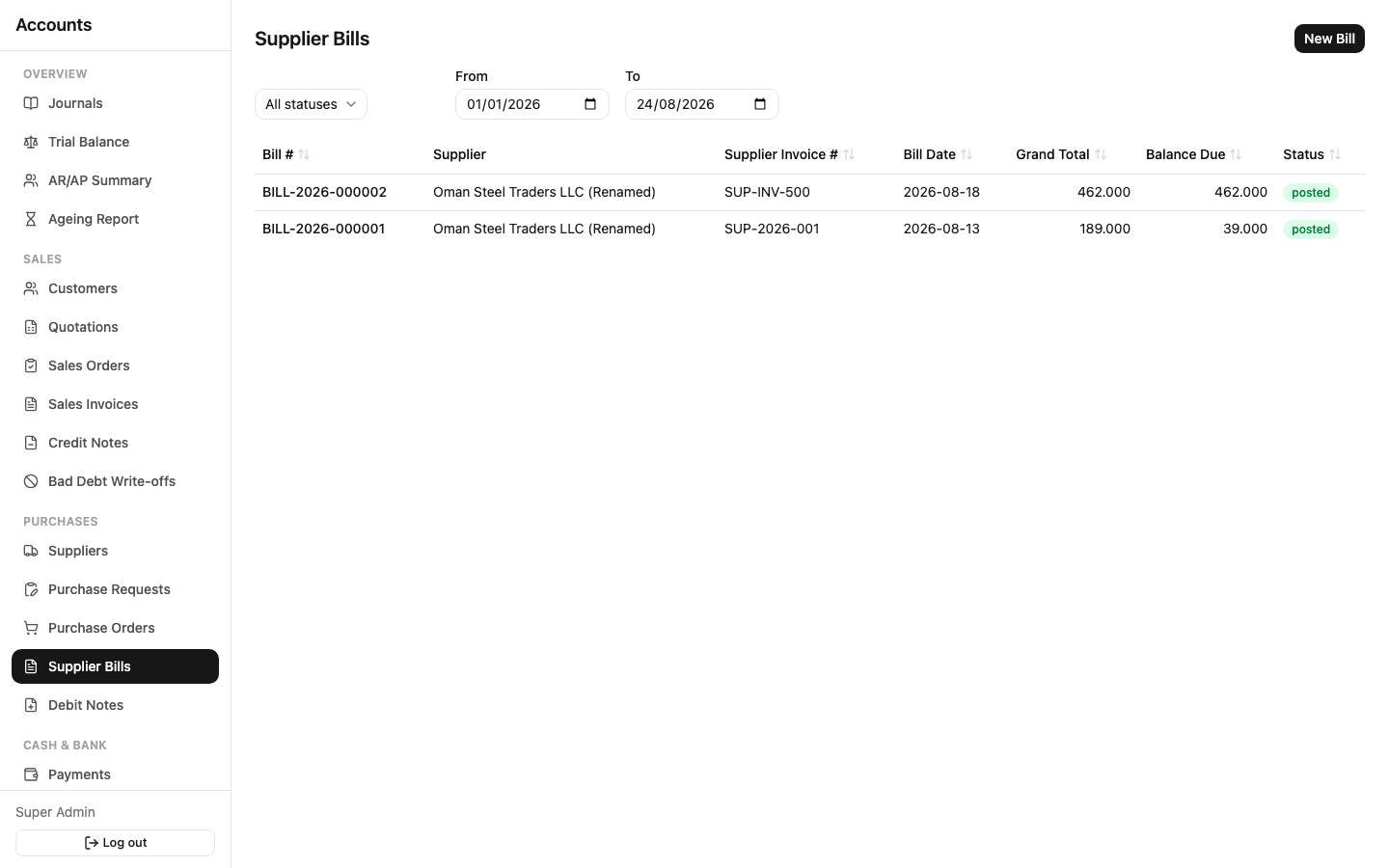
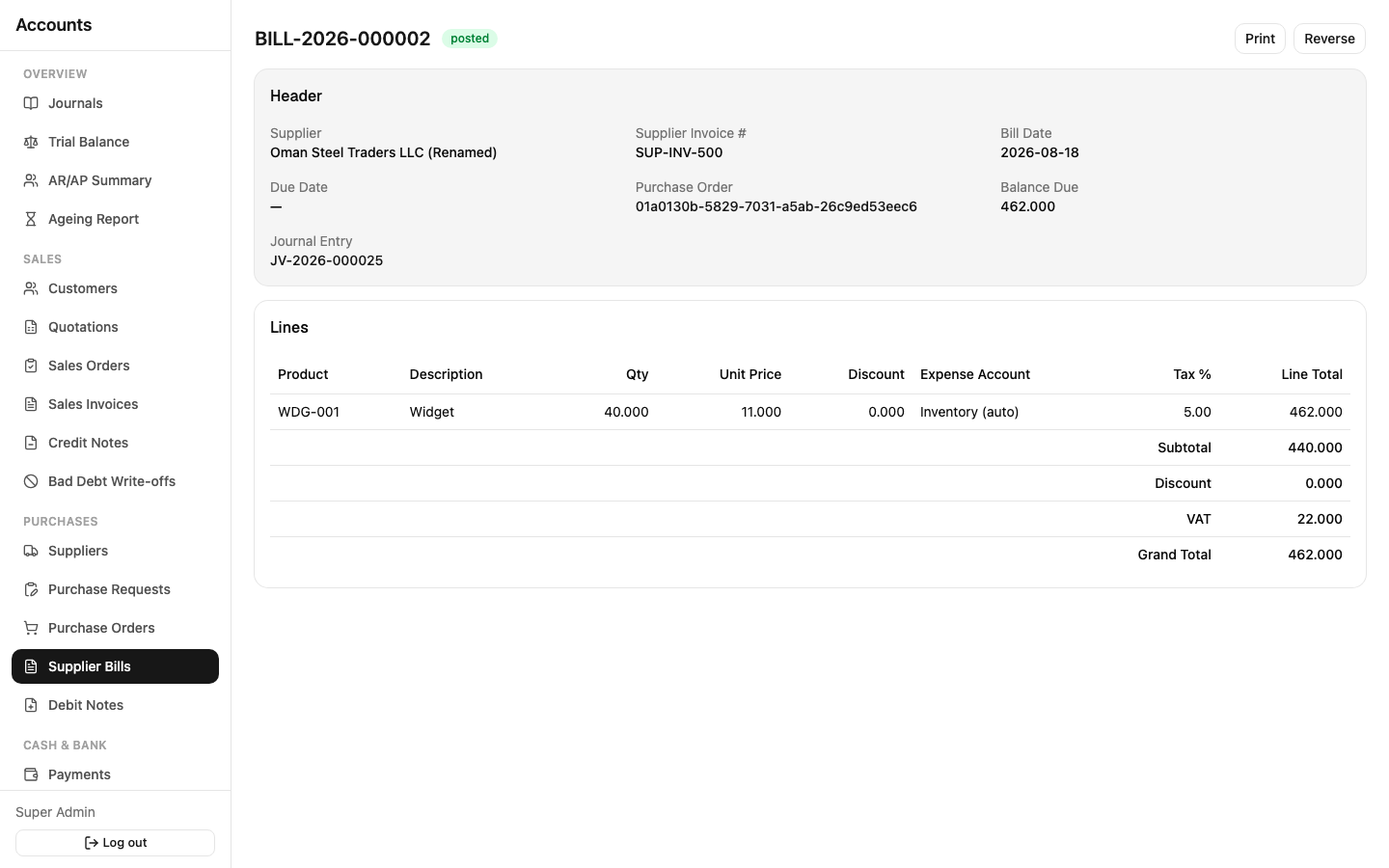
Sidebar: Purchases → Supplier Bills. The purchasing equivalent of a Sales Invoice — this is where the accounting happens.
Each line needs either a stock item (linked to Inventory) or an Expense Account plus a Tax Code. The system flags a duplicate bill if you enter the same supplier + their invoice number twice — a safety net against double-paying the same bill.
Lifecycle: Draft → Submitted → Approved → Posted, same as Sales Invoices, same reasoning (see Approvals & Workflow). Print/PDF is available on a posted bill.
Debit Notes
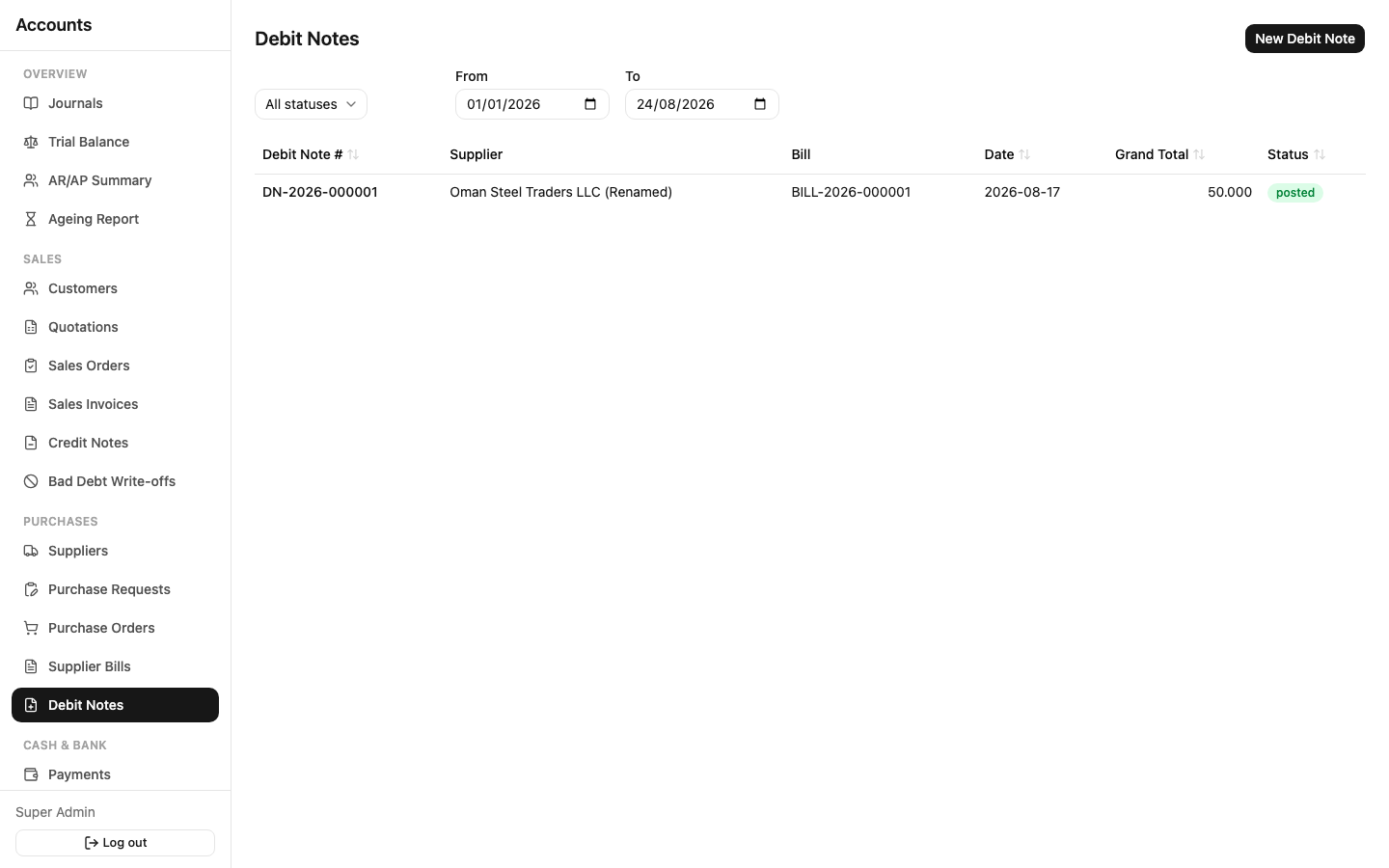
Sidebar: Purchases → Debit Notes. Use these for returns or price adjustments against an already-posted Supplier Bill — reduces the amount owed to that supplier. Same Draft → Submitted → Approved → Posted lifecycle.