
Appearance
EMR
Accounting
Covers Vendors and Expenses — a lightweight way to track what the clinic owes and pays out, separate from patient billing.
This is intentionally simple: there's no chart of accounts or double-entry bookkeeping here, just vendor bills and cash expenses you can record, categorize, and mark as paid.
Vendors
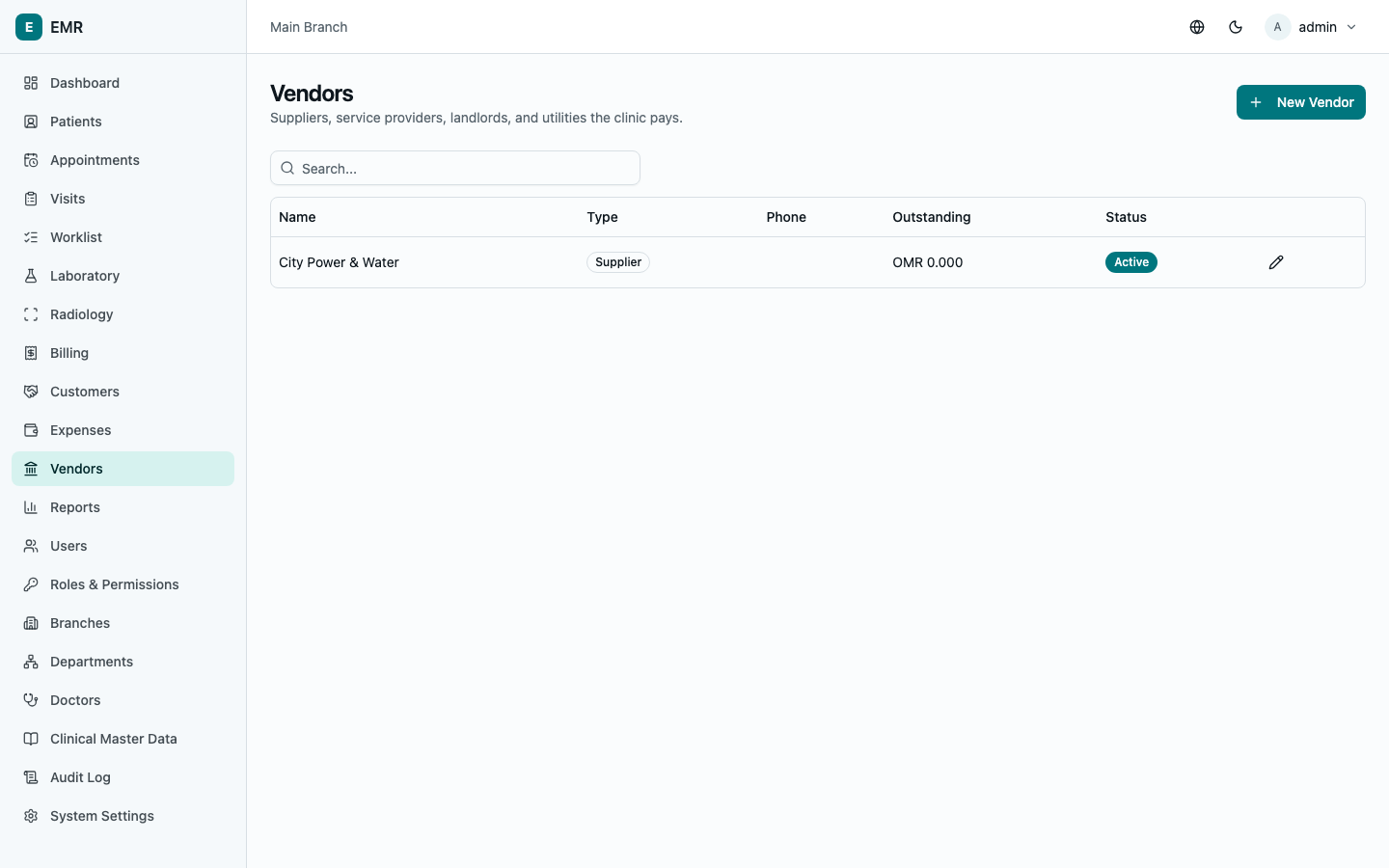
Go to Vendors to see everyone the clinic pays — suppliers, service providers, landlords, utilities. Select New Vendor, fill in the Name and Type, plus contact details if useful, and save. Each vendor's card shows their current Outstanding balance — what's owed to them across all their unpaid bills.
Recording an expense or vendor bill
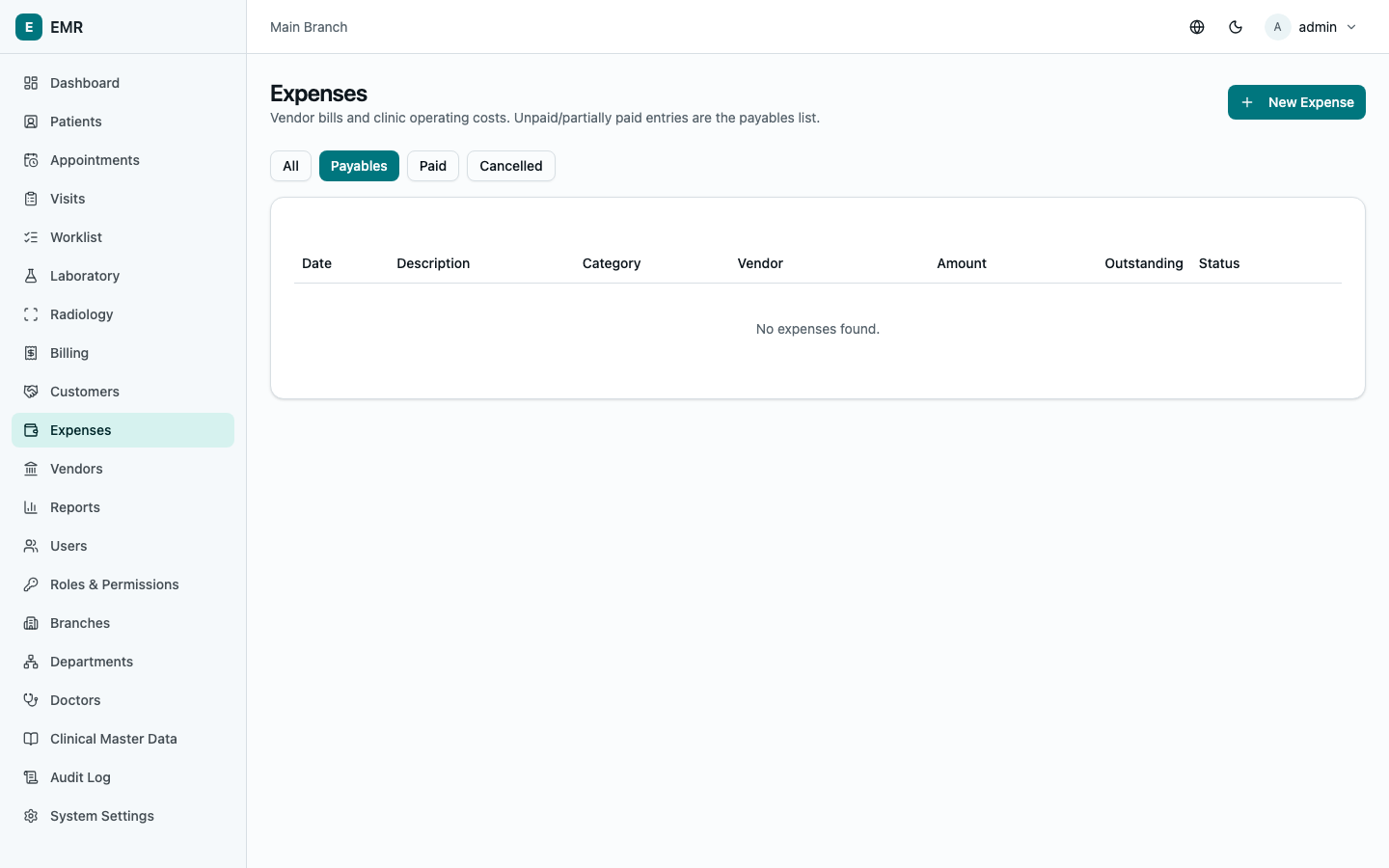
Go to Expenses and select New Expense. Enter a Description, pick a Category (Rent, Utilities, Staff Salaries, Medical Supplies, etc. — your administrator can add more categories), the Branch, and the Amount. If this is a bill from a vendor, select them under Vendor and optionally note their own bill number as the Vendor reference #; leave Vendor blank for a misc. cash expense with no vendor account. Set the Expense date and, if it's not being paid immediately, a Due date.
New expenses start unpaid — the Expenses screen defaults to the Payables filter, which is exactly this: everything currently owed. Switch to All, Paid, or Cancelled to see other views.
Paying a bill
On an unpaid or partially-paid expense, select Pay. The amount pre-fills with what's still outstanding — adjust it down for a partial payment. Pick a Method and an optional Reference, then Record payment. The status updates automatically — unpaid → partially paid → paid — and the vendor's outstanding balance updates to match.
Cancelling an expense
Only possible while nothing has been paid against it yet (this prevents accidentally erasing a real payment record) — select Cancel next to the expense and enter a reason.
Where this shows up
Every paid expense feeds directly into the Profit & Loss report — see Reports & Dashboard — as an expense in its category, the moment it's paid (not when it's created). An unpaid payable doesn't affect P&L until it's actually settled.