
Appearance
EMR
Reports & Dashboard
Covers the Dashboard, the Reports page, and the Audit Log — for management and anyone who needs visibility into activity and money without doing the day-to-day data entry.
Dashboard
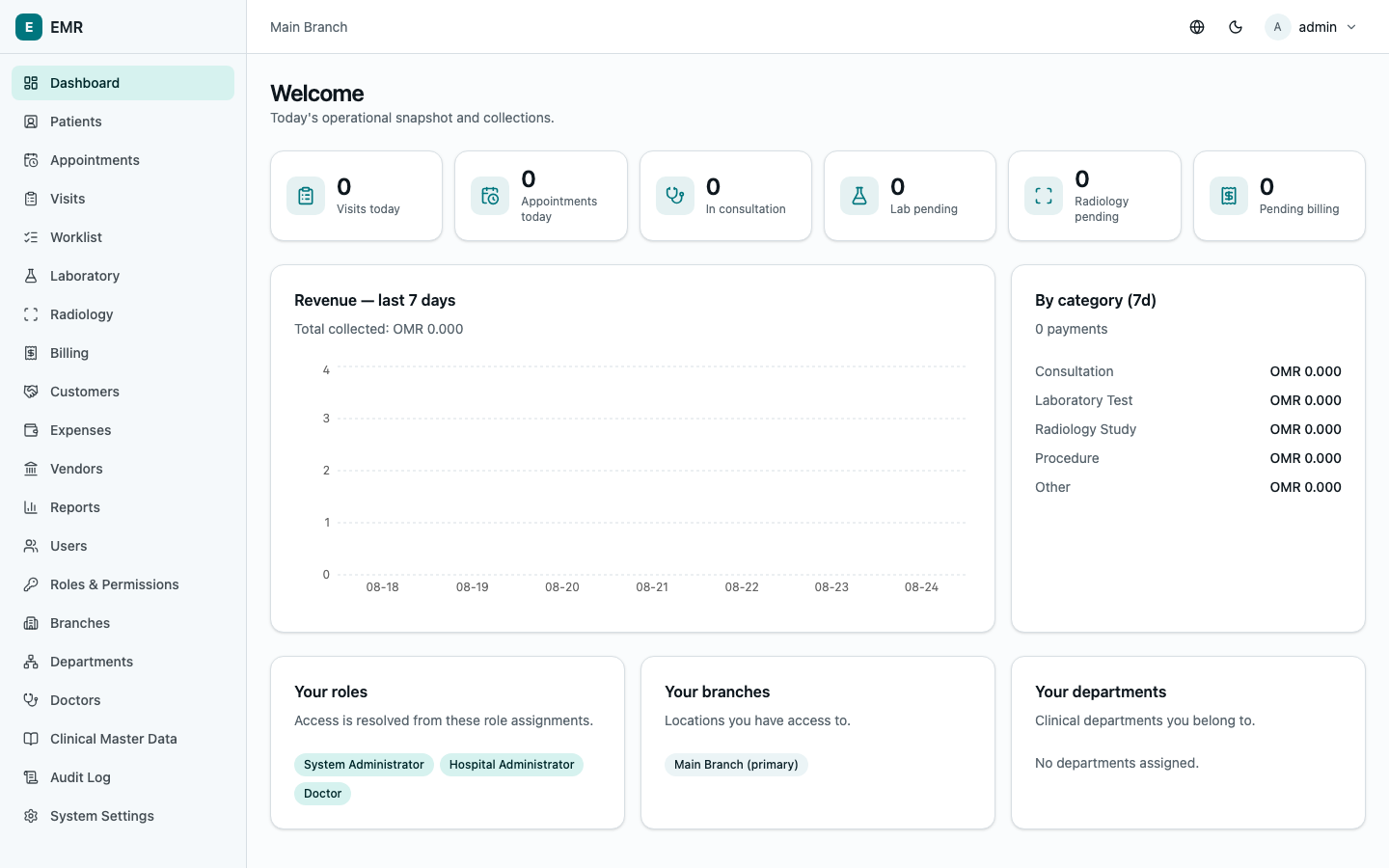
Your landing page. Stat cards for the day — Visits today, Appointments today, In consultation, Lab pending, Radiology pending, Pending billing — plus a Revenue — last 7 days chart and a By category (7d) breakdown of what that revenue came from (consultations, lab, radiology, procedures). Below that, a quick reference to your roles, your branches, and your departments — useful for confirming exactly what your account is scoped to.
Reports
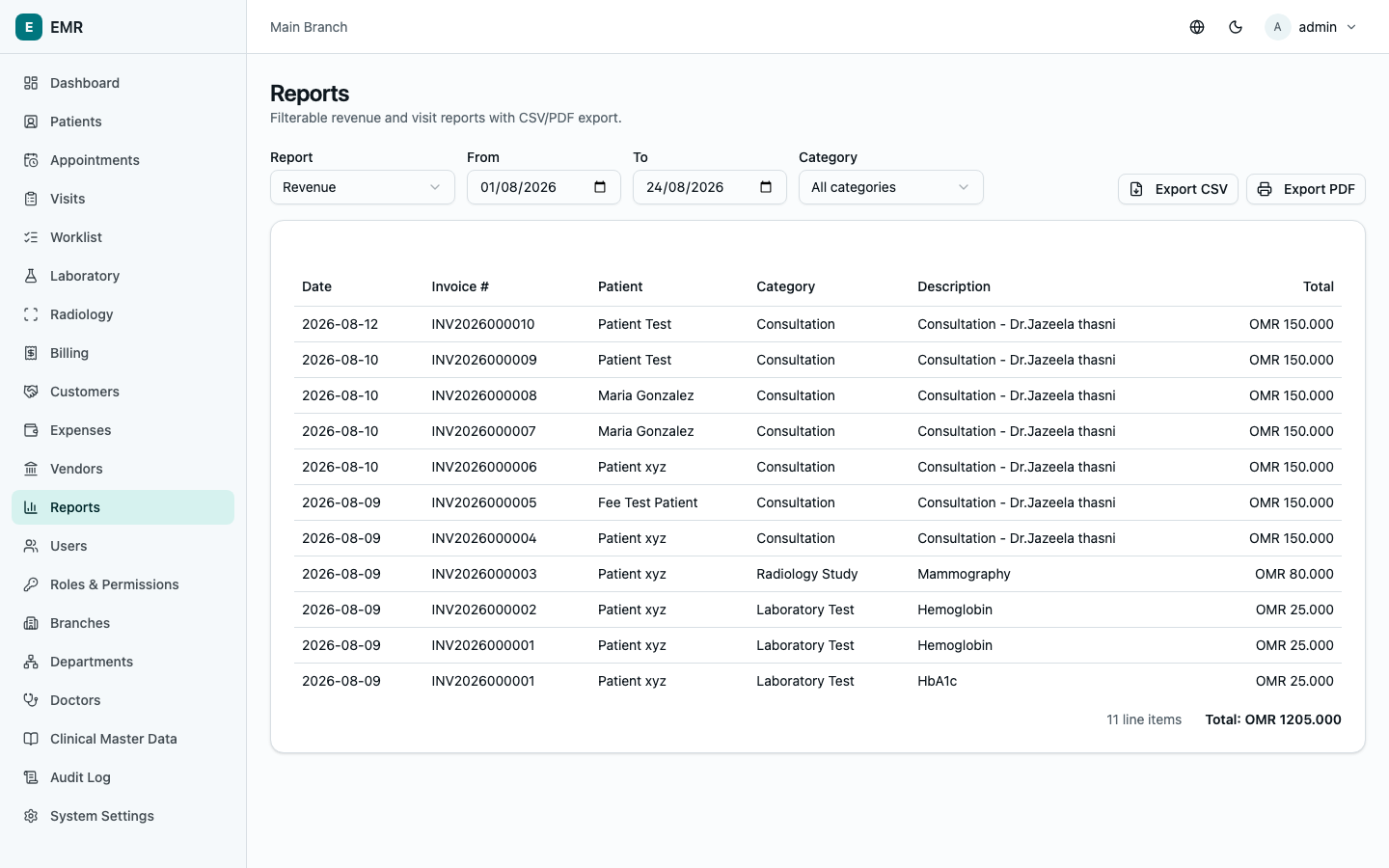
Go to Reports and pick a report type from the Report dropdown:
- Revenue — every billed line item in a date range, filterable by category (consultation/lab/radiology/procedure/other). Supports CSV and PDF export.
- Visits — every visit in a date range with all four status tracks and outstanding balance, filterable by doctor/department/consultation status. CSV export.
- Customers — per insurance/corporate customer: how much has been billed, paid, and is still outstanding, filterable by customer type (insurance/corporate) and billing type (cash/credit). CSV export.
- Profit & Loss — income (money actually collected) vs. expenses (money actually paid out) for a date range, broken down by category, with the net profit total. CSV and PDF export. See Accounting for where the expense side comes from.
- Receivables — everything currently owed to the clinic right now, from self-pay patients with an unpaid invoice and from insurance/ corporate customers, in one list. This is a live snapshot (not a date-range report — it always reflects right now). CSV export.
Every report has a From/To date range (except Receivables) and an Export CSV button; Revenue and Profit & Loss also offer Export PDF for a printable/shareable copy.
Audit Log
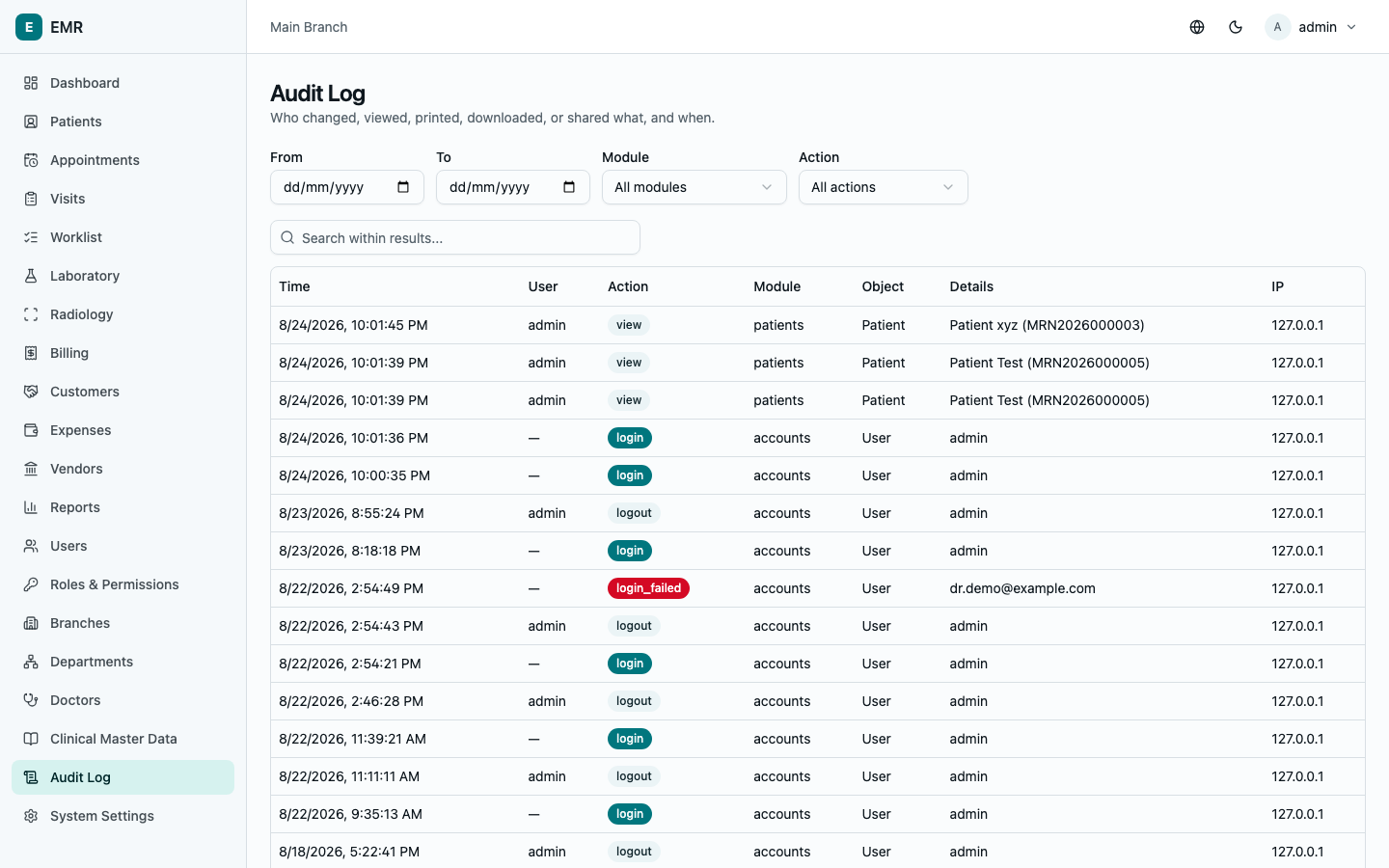
Go to Audit Log for a full record of who did what: every create, update, delete, view, print, download, and share across the system, with Time, User, Action, Module, Object, Details, and IP address. Filter by date range (From/To), Module, or Action, or search within results. This is your source of truth for "who changed this" or "who looked at this patient's record" — separate from (and in addition to) a specific visit's own status history or a user's own login history, which live on those individual records instead.