
Appearance
EMR
Radiology
Covers the Radiology worklist — for radiology technicians and radiologists.
The radiology worklist
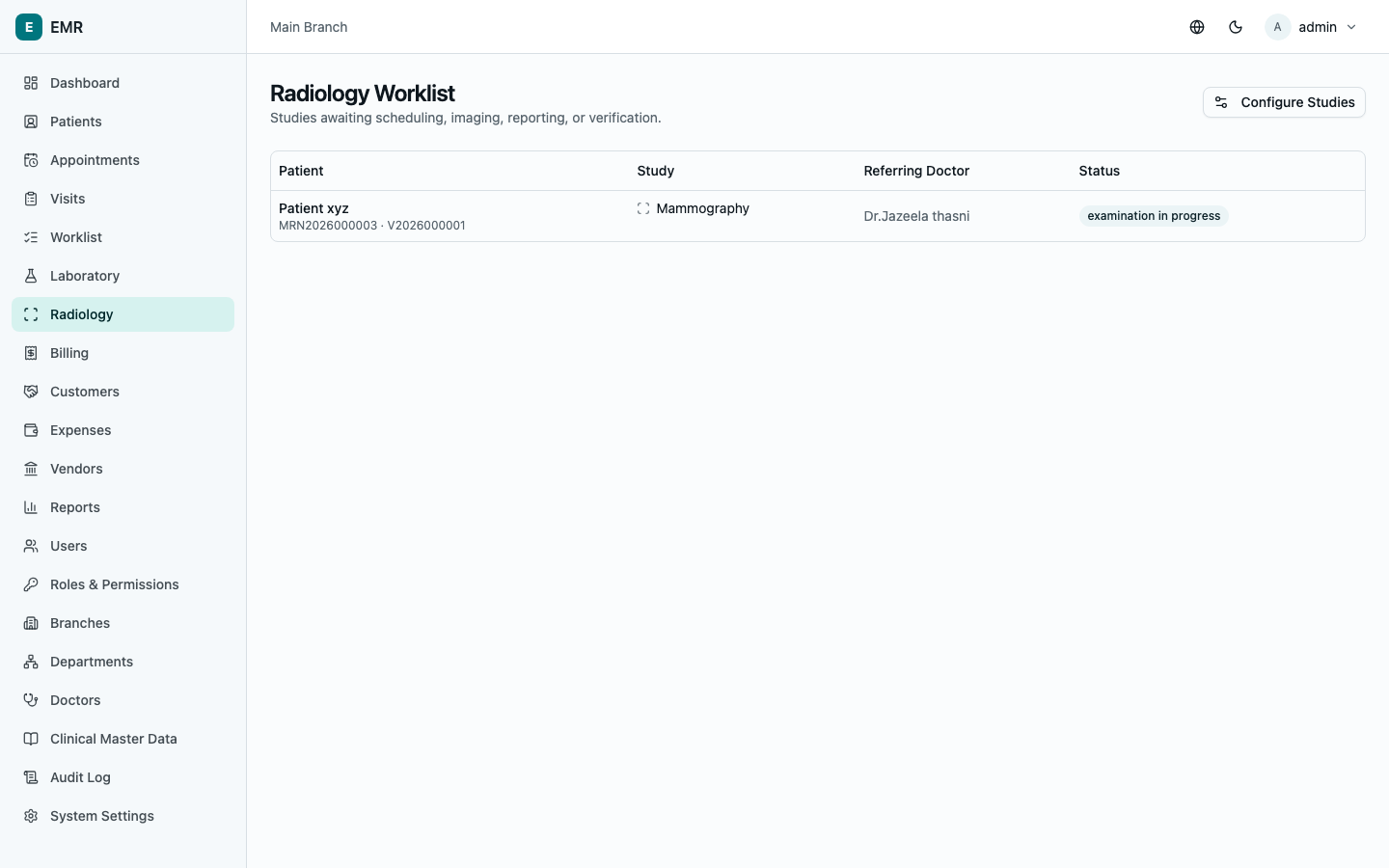
Go to Radiology. This lists every ordered study that's been billed and is awaiting scheduling, imaging, reporting, or verification — studies that haven't been paid for yet don't appear here. Each row shows the patient, the study, the referring doctor, and current status.
If you configure radiology studies (modality, body part, pricing), Configure Studies takes you to that setup screen — see Administration.
Processing one study
Select a row to open it.
- Schedule — sets the scheduled date/time for the examination.
- Start examination — marks imaging as underway.
- Complete examination — records Technician notes, whether Contrast used (and details if so), then marks images as acquired and ready for reporting.
- Save report — enter Findings, Impression, and any Recommendations.
- Verify — a second person (never the same person who wrote the report) reviews and selects Verify. This locks the report — it can no longer be edited directly.
Once verified, select Download report any time to get a printable PDF.
Correcting a verified report
A locked (verified) report can't be edited in place — instead, open it and use Submit amendment: enter the corrected findings/impression and a required Amendment reason. This creates a new report entry that supersedes the original, which stays on file as the historical record of what was first reported.
A note on department access
If your role is scoped to a department, your worklist only shows studies ordered from visits in that department. See Administration.